How to Unlock Career Items in The Sims 4
Sometimes you may see items that are locked behind specific careers that you might want and with one simple cheat you can easily unlock these career items in The Sims 4!
This is a simple cheat code that you can remember or bookmark this page for the future so you can always have these without needing your household to max every single career.
How Use The Career Unlock Cheat
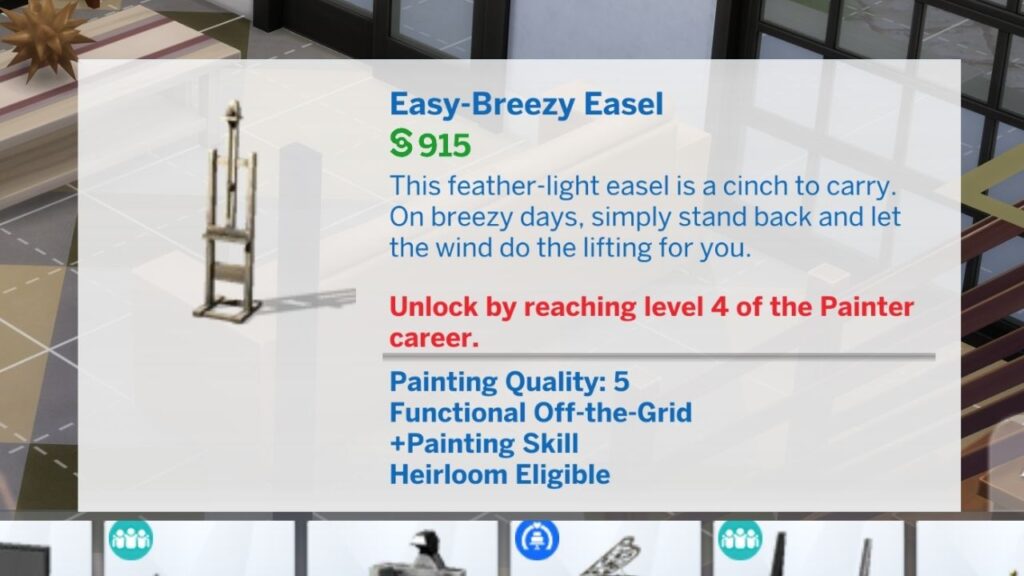
The first thing you need to do to get these items unlocked is enable cheat codes. To do this you’ll type testingcheats true into the cheat box. You can open the box with the following commands:
- PC: Ctrl + Shift + C
- Mac: Command + Shift + C
- Console: All Four Triggers
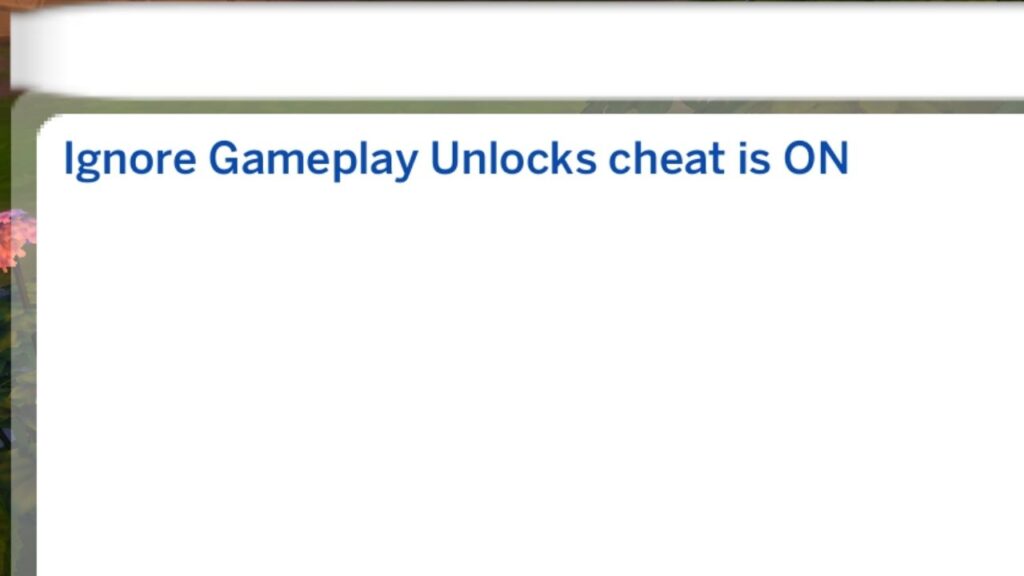
Once you’ve enabled your cheats you’ll type in bb.ignoregameplayunlocksentitlement to the same cheat box and hit enter. The game may pop open that box and give you a message that says ignore gameplay unlocks cheat is ON.
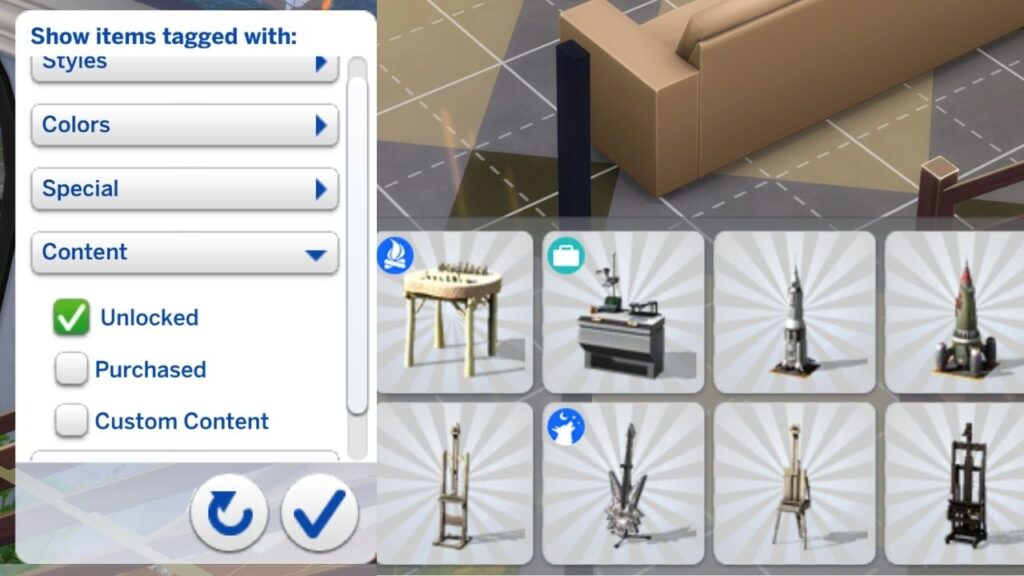
If you use this cheat and want to see all the items you can now use, you can use the filters on the right side of the build catalog. You’ll go to content and check the unlocked box and it will show all of them for you to use!