How to Use Shift Click Cheats in The Sims 4
Some cheats are complicated but these sims 4 shift click cheats are so easy to use!
These let you do complicated cheats with just a couple clicks of the mouse.
How to Use Shift Click Cheats
Shift click cheats are a special type that let you click on sims or items to easily cheat without needing to remember long cheat codes. These first require you to enable cheats by opening the cheat box and typing in testingcheats true you can open the cheat box in these ways:
- PC: Ctrl + Shift + C
- Mac: Command + Shift + C
- Console: All Four Triggers
You’ll then hold down shift on your keyboard and click on the specific item and choose your cheat.
If you’re on console you can shift click by doing the following while hovering over the item:
- Playstation: Hold down O and press X
- Xbox: Hold down B and press A
Below you’ll see explanations for the different categories of shift click cheats you can use!
Sim Shift Click Cheats
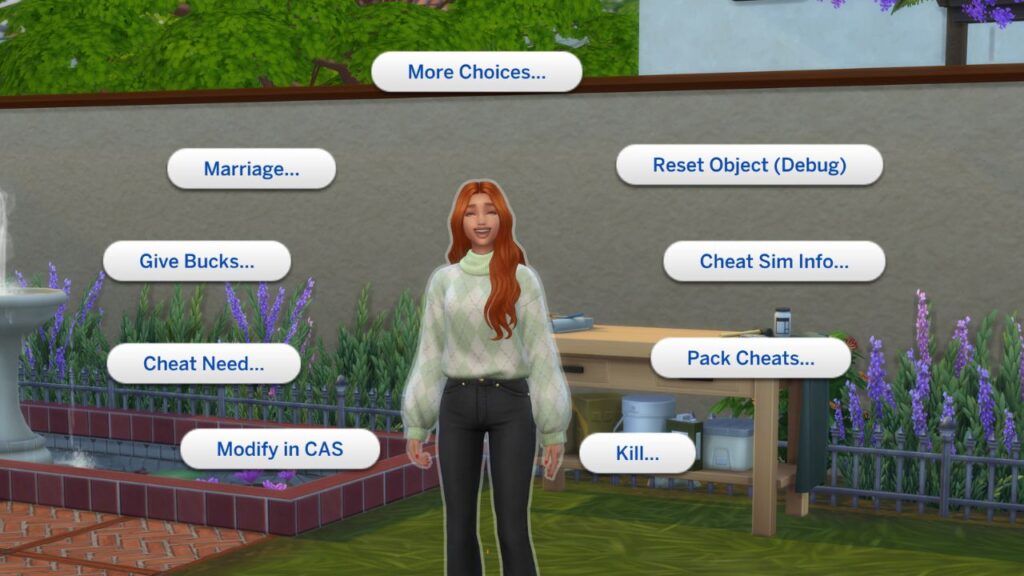
The first set of shift click cheats happen on your sim. You’ll see everything from cheating their needs to cheating to go into CAS and how you can easily reset them.
| Cheat Name | Cheat Effect |
|---|---|
| Modify in CAS | Opens up create a sim to edit the sim |
| Cheat Need | Lets you disable or enable needs decay or make a sim’s needs be full with make happy |
| Make into Plant Sim (Debug) | Turns your sim into a green plant sim |
| Careers Gig Picker (Debug) | Allows you to pick specific gigs for freelance style careers |
| Kill > Be Slain by a Viscious Killer Rabbit (Cottage Living) | Turns the Sim into a Ghost from rabbit death |
| Cheat Sim Info > Deactivate Needs | Stops the sim’s needs from decaying |
| Cheat Sim Info > Add Lifestyle (Snowy Escape) | Allows you to add or remove a lifestyle to your sim |
| Cheat Sim Info > Add Preference | Adds a Random Like or Dislike to Your Sim |
| Give Bucks (Eco Lifestyle) | Gives Your Sim Bits or Pieces |
When you shift click on a sim you don’t control you’ll see the same cheats but also add to family where you can add them to your current household.
Object Shift Click Cheats
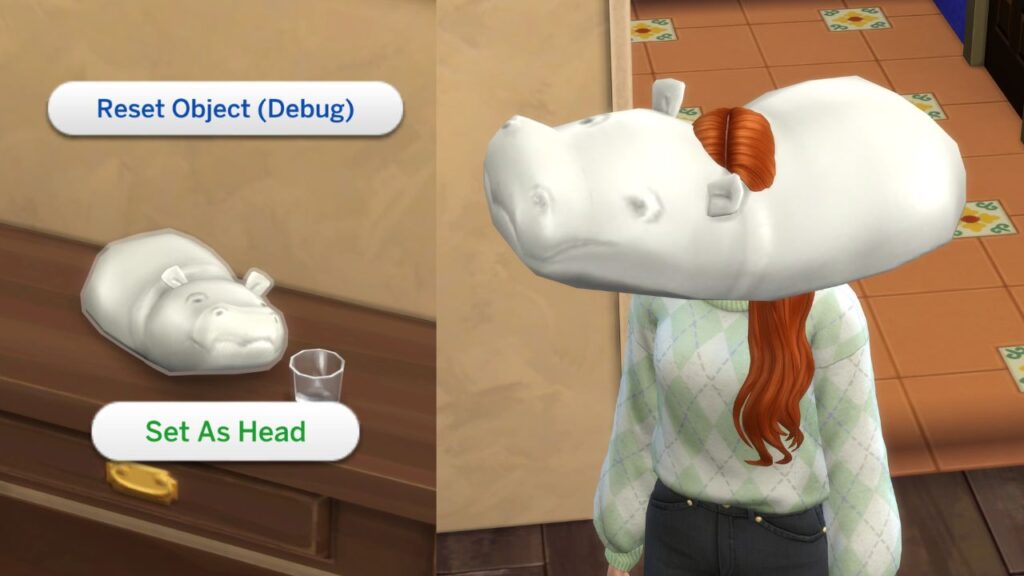
You can also shift click on random objects and find different things. The first thing is set as head which will literally make that object your sim’s head. It’s so weird, you can reset your sim to take it away.
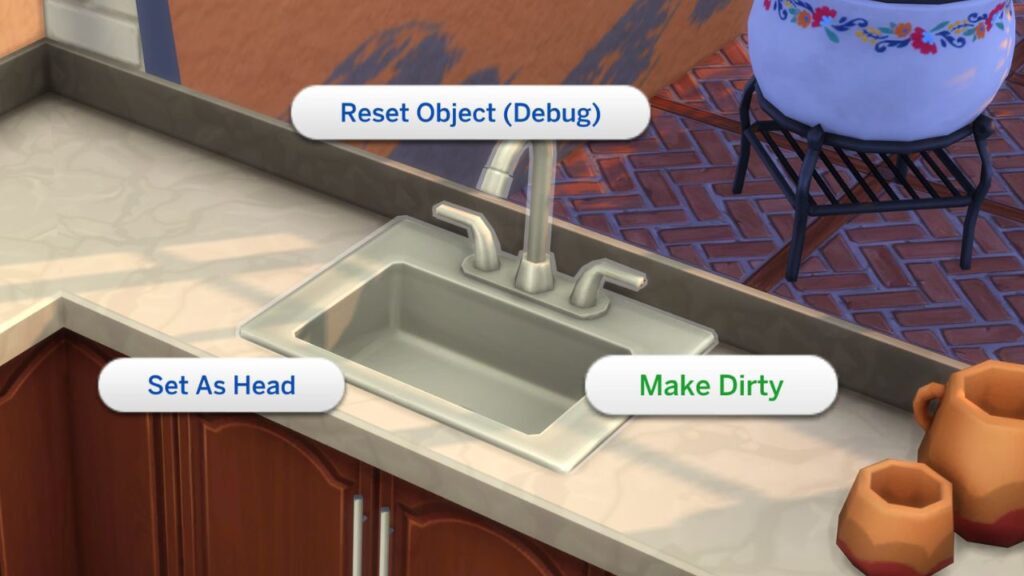
There are certain items (plumbing and kitchen items) that also have a make dirty or make clean cheat you can use to make them dirty for some reason.
Mailbox Shift Click Cheats
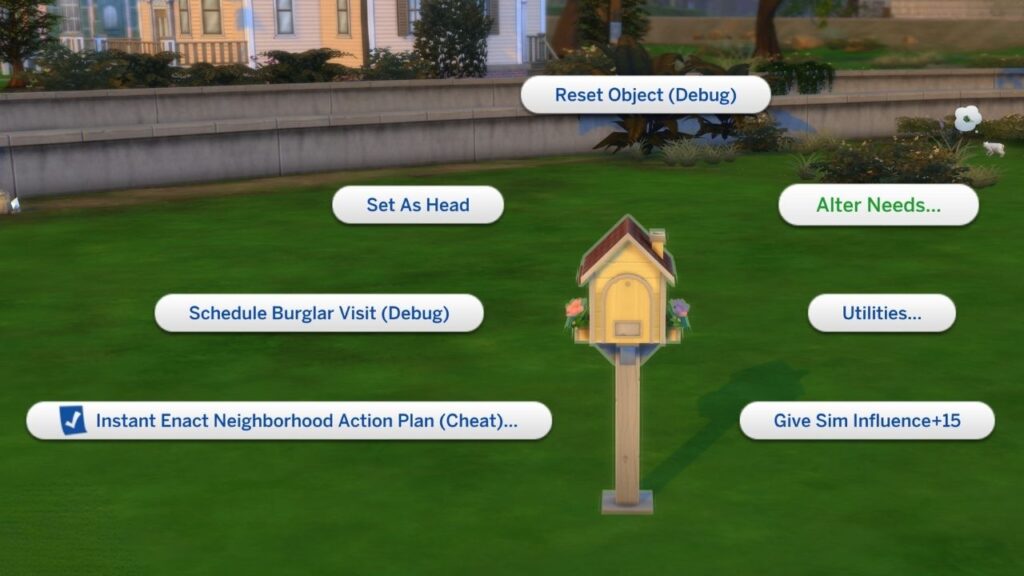
The cheats you can have when you shift click on a mailbox are awesome too. You can use the needs cheats in the alter needs section to fill needs or disable needs entirely.
If you want to have a burglar come to your sim’s house over night you can click on schedule burglar visit so they will come the next night after 12AM.
If you have The Sims 4: Eco Lifestyle you can instant enact neighbourhood action plans, get influence points, and even change your sim’s utilities by changing their output and usage on water and power.
Ground Shift Click Cheats
The best thing you can do when you shift click on the ground is the teleportation cheat. You’ll click on teleport here on a spot where you want your sim to be and you’ll see them appear there!
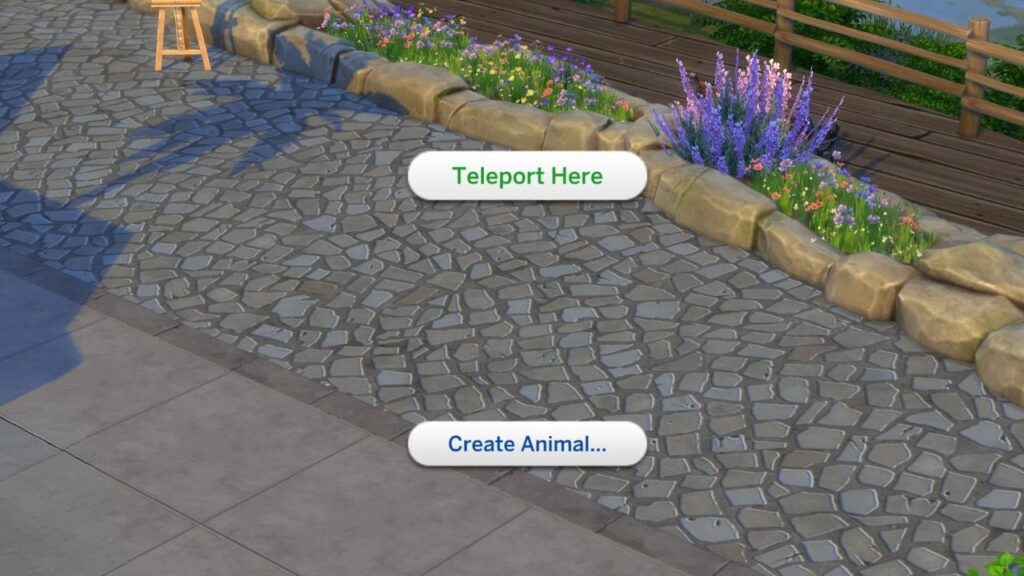
The other ground cheat is create animal which comes from Cottage Living. This will literally create a chicken, rabbit, mini goat or mini sheep!