The Sims 4 Public Image Cheats (Reputation)
Every action your sim does can change their reputation but with these sims 4 public image cheats you can change it at will.
The public image system comes to the game with The Sims 4: Get Famous and can have an impact on job offers and friendship for your sim!
How to Cheat Public Image
The very first thing you need to do is make sure that you enable cheats and you do this by first opening the cheat box:
- PC: Ctrl + Shift + C
- Mac: Command + Shift + C
- Console: All Four Triggers
You’ll type in testingcheats true and hit enter to enable the cheat codes. For these public image cheats you’ll need to shift click on your sim. So, on mac and PC you’ll hold down shift and click on the sim but on console you can:
- Playstation: Hold down O and press X while hovering over your sim
- Xbox: Hold down B and press A while hovering over your sim
This will open a menu with tons of options that let you do everything from cheating your sim’s needs, modifying them in CAS and resetting them.
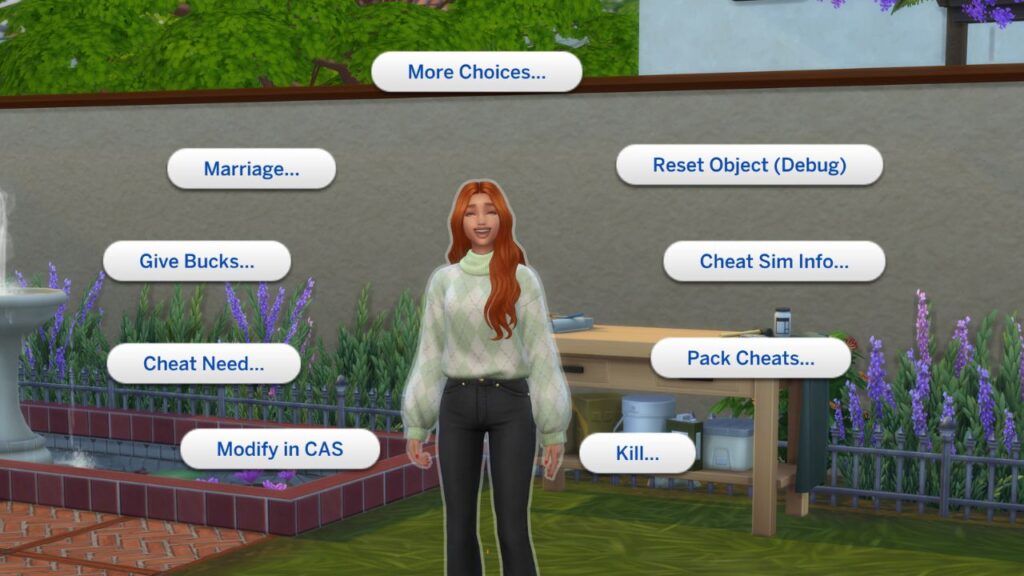
You’ll navigate this menu and go pack cheats > expansion packs> EP06 Get Famous > Public Image > Set Reputation and you’ll see 7 options.
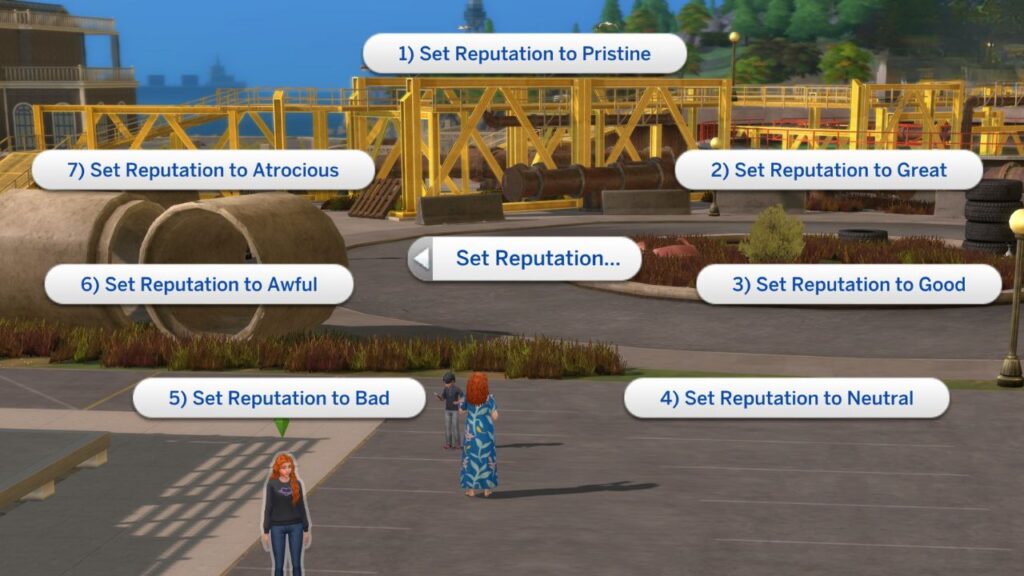
These options rank from pristine to atrocious with the sim’s reputation getting worse as you go higher in the numbers. You can click on any of these seven options and it will give your sim that type of reputation and you’ll start seeing those impacts.