How to Use The Live Edit Objects Cheat in The Sims 4
If you’ve ever gone around a world in the game and seen a plant you wanted, you can have it with the sims 4 live edit objects cheat!
This cheat unlocks a whole bunch of environment items from plants to fences and more.
How to Use Live Edit Objects
This cheat works just like the buy debug cheat where you can get items your sim’s interact with. For this you’ll need to enable cheats by opening the cheat box:
- PC: Ctrl + Shift + C
- Mac: Command + Shift + C
- Console: All Four Triggers
You can then type in testingcheats true and hit enter to enable cheats. Then, you’ll type in bb.showliveeditobjects and hit enter. You’ll go into build mode and you can look around the landscaping category for the best plants that are all free so you can landscape for free!
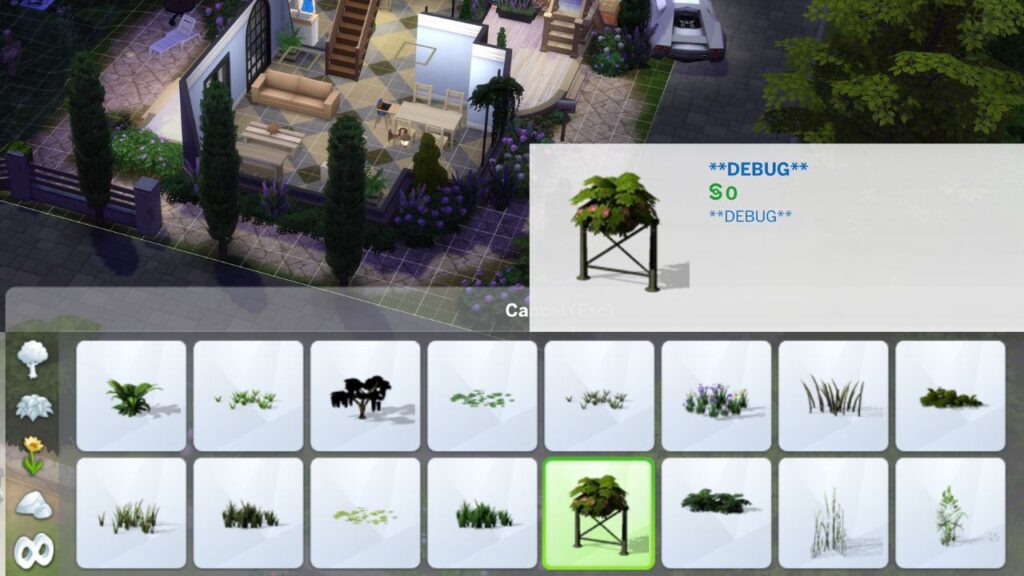
Making Live Edit Better With Mods
If you want to have an easier experience in the debug and live edit catalogs you can use the better build buy mod. This mod is incredible because it does things like organizing the catalog and giving everything a name so they are easier to find.
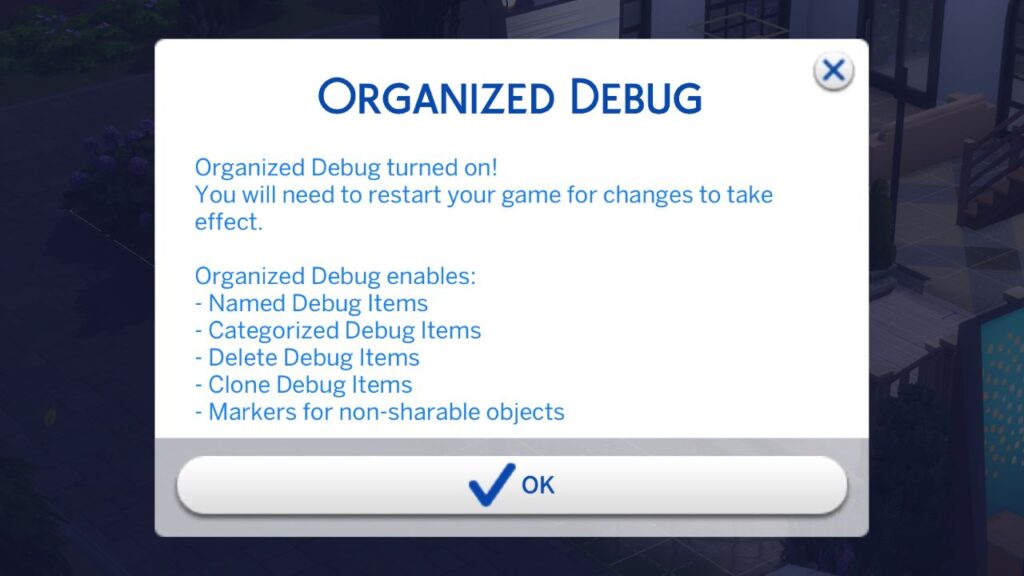
For live edit you can use the filters to look at just live edit objects and there’s even a hide maxis button that will hide anything that isn’t part of debug.
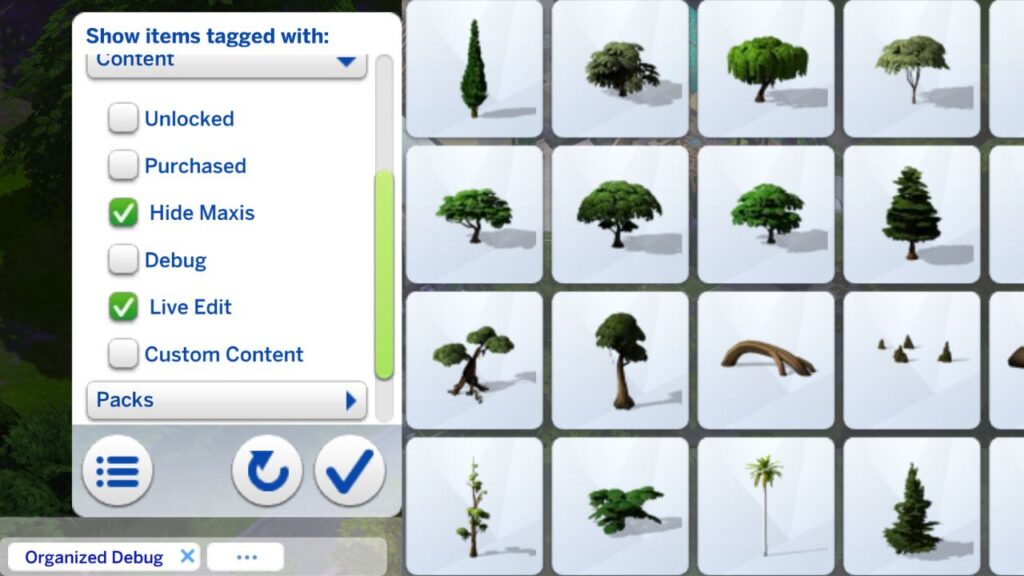
This also lets you search by name and expand the build catalog to more rows so you can see more items at one time.