How to Disable Fire in The Sims 4
Sometimes I want to play the game without fear of fire and you can actually disable fire in The Sims 4!
This means your sims can cook without fear, light fireworks in doors and only get dazed and more!
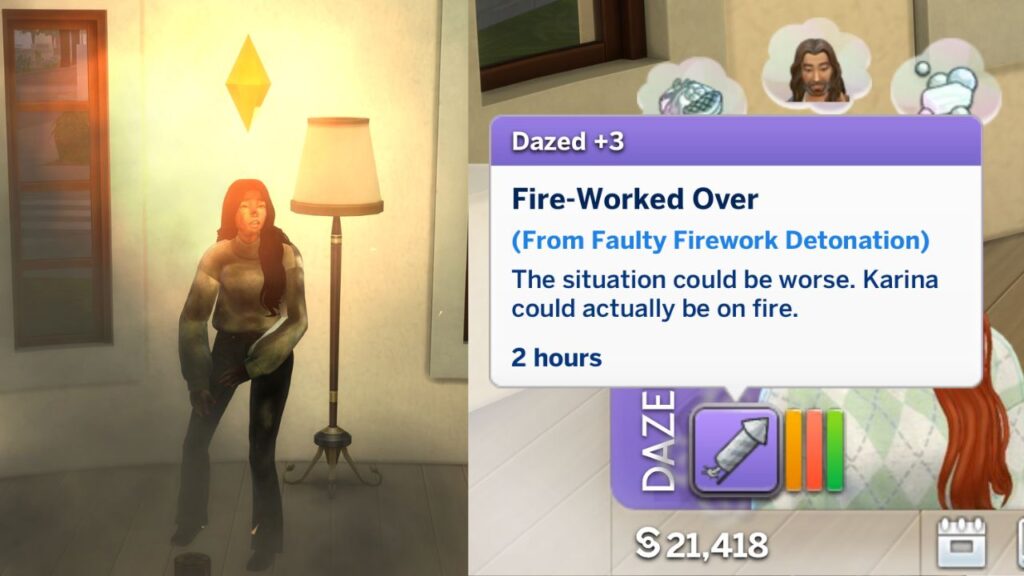
Note: This was play-tested by me on January 19, 2026 and was working as of writing this. I literally bought 20 fireworks, lit one and set my house on fire, enabled the cheat, lit the other 19 and no fires happened!
How to Disable Fire
The first thing you must do is to open the cheat box:
- PC: Ctrl + Shift + C
- Mac: Command + Shift + C
- Console: All Four Triggers
You’ll then type in testingcheats true and hit enter and the game will let you know that cheats are enabled. You’ll then need to type in fire.toggle_enabled and hit enter. If you want to turn it back on you can use the same cheat code!
Your sim will now not have random fires happen and you can cook as many meals as you want without burning down the kitchen. If you ever want to test it, a great way if you have City Living is using the debug cheat to purchase some fireworks and light them in your sim’s house. They’ll still get the dazed moodlet but there won’t be a fire!