How to Limit Fairies in Innisgreen in The Sims 4
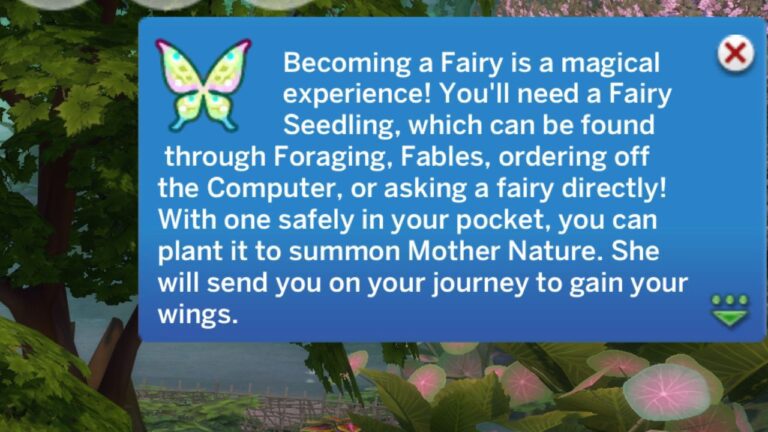
Occult sims are fun, but not when they show up in weird places. Thankfully, You’re able to limit fairies to Innisgreen in The Sims 4!
This is a simple thing to do by just visiting the game options menu.
When you do this fairy sims that aren’t in your active household will be stuck to just this neighbourhood so you won’t see a random Fairy hanging out in Willow Creek.
How to Limit Fairies in Innisgreen in The Sims 4
The first step to keeping fairies in their world is to go to the menu options. You’ll want to head to the options menu by clicking on the three circles in the top right corner of the screen.

When you do this a menu will pop open and you’ll click game options. This opens the larger menu and you’ll see a bunch of options on the left hand side, you’ll want to navigate to pack settings.
In this menu you’ll want to find the Enchanted by Nature section. If you have tons of DLC installed you’ll need to scroll to find it.

In this section you’ll find this option as well as the option to enable luck or to enable balance & imbalance. To limit fairies you’ll want to click the check box next to it to make it turn green, then click apply changes and fairies will no longer appear out of their world.
We can’t have regular sims knowing about fairies, especially since you can become a bad fairy if you do fairy magic anywhere but Everdew! You’ll be a pretty good discordant fairy though!