How to Examine Traps in The Sims 4
To get your sim through areas in the temple you’ll need to examine traps in The Sims 4.
This is a big part of exploring everything The Sims 4: Jungle Adventure has to offer, so it’s important to understand.
How to Get to The Temple
To be able to examine these traps your sim will first need to take a vacation in Selvadorada. Once you’re there you’ll need to get your sim to the temple lot.
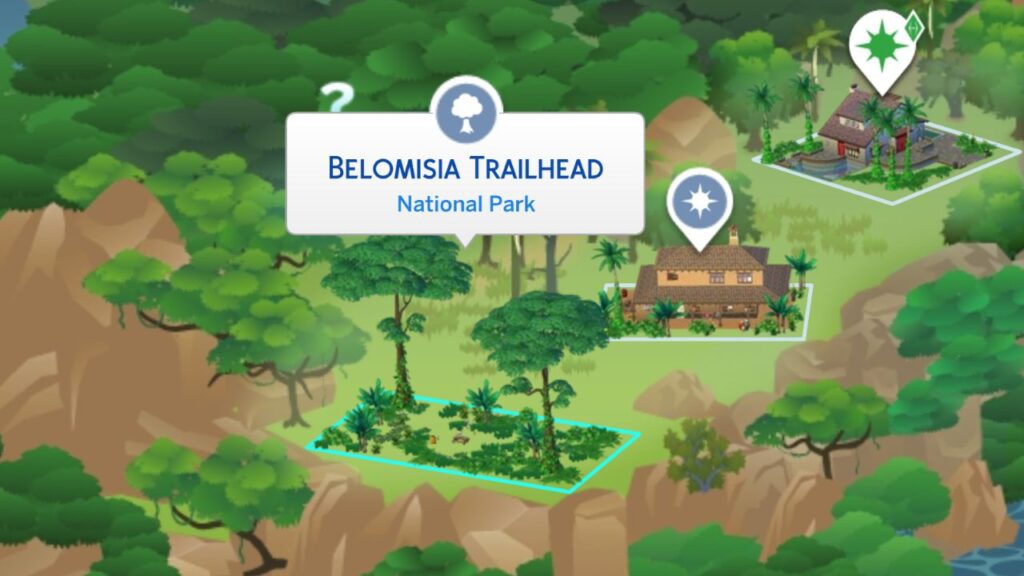
You’ll want to get your sim to travel to the Belomisia Trailhead National Park lot on the left side of the world.
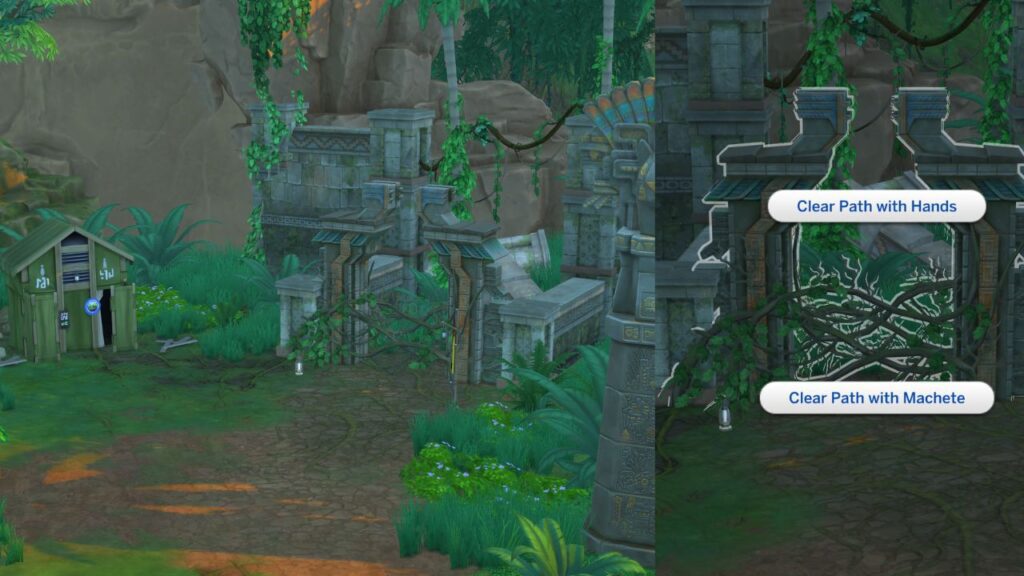
Your sim will spawn onto the lot and next to them you’ll see a broken arch that’s covered in vines. You’ll want to click on that and choose to clear the path either with your hands or the machete.
You’ll spawn to another section where you need to follow the path and go over a rope and wood bridge. Then follow the path up a ramp and you’ll see another area where you can clear a path, clear that and travel through.
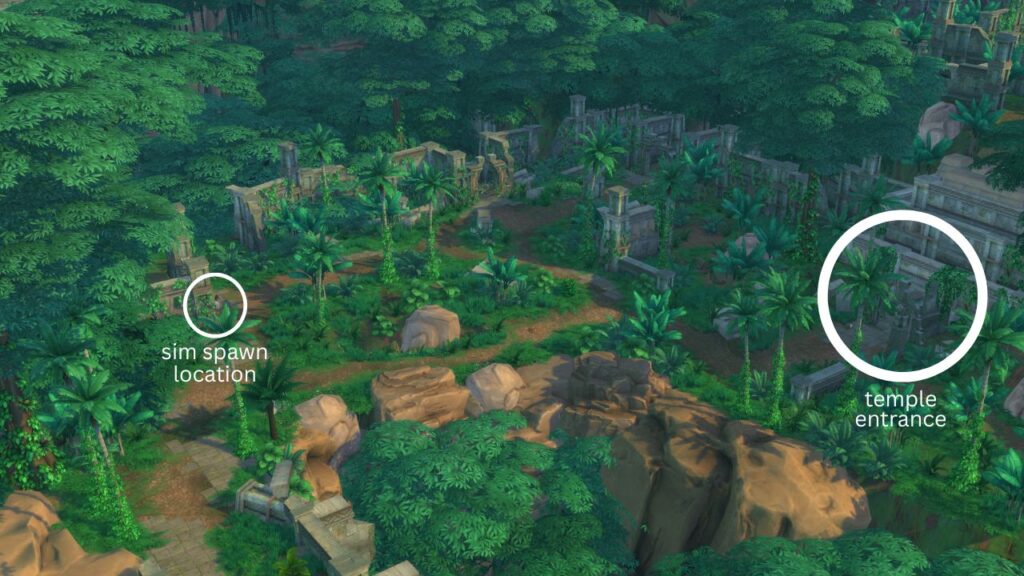
When you clear that path you’ll enter an area that has multiple entrances, in the image below you’ll see where your sim spawns and the exact entrance you need to clear to be able to enter the temple.
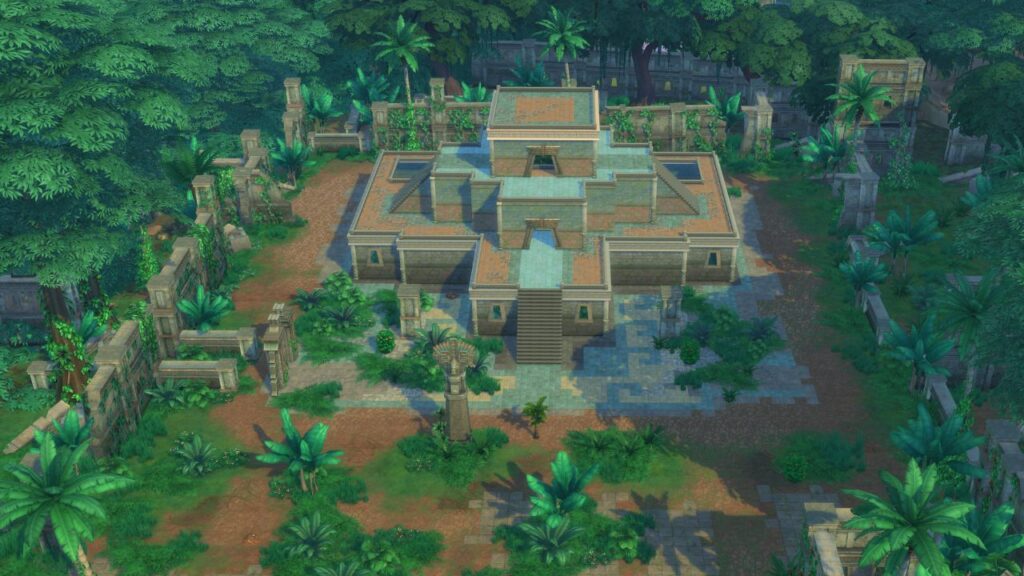
Your sim will spawn on the temple lot and you’ll want to use the arrows in the menu in the top right corner to go to lower levels.
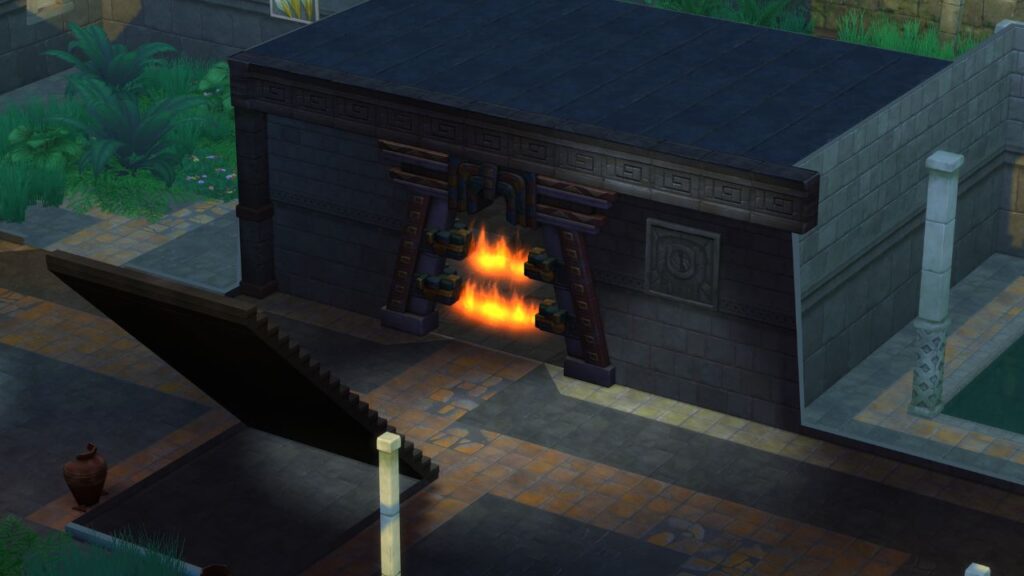
You’ll want to get your sim to go to the level with an arch that has fire across it that you cannot pass. On this level you’ll find traps!
How to Examine Traps in The Sims 4
There are lots of different types of traps to examine. You’ll click on each of these and you’ll see either activate or examine. When you hover over examine you’ll see a skill that is associated that will give your sim higher results.
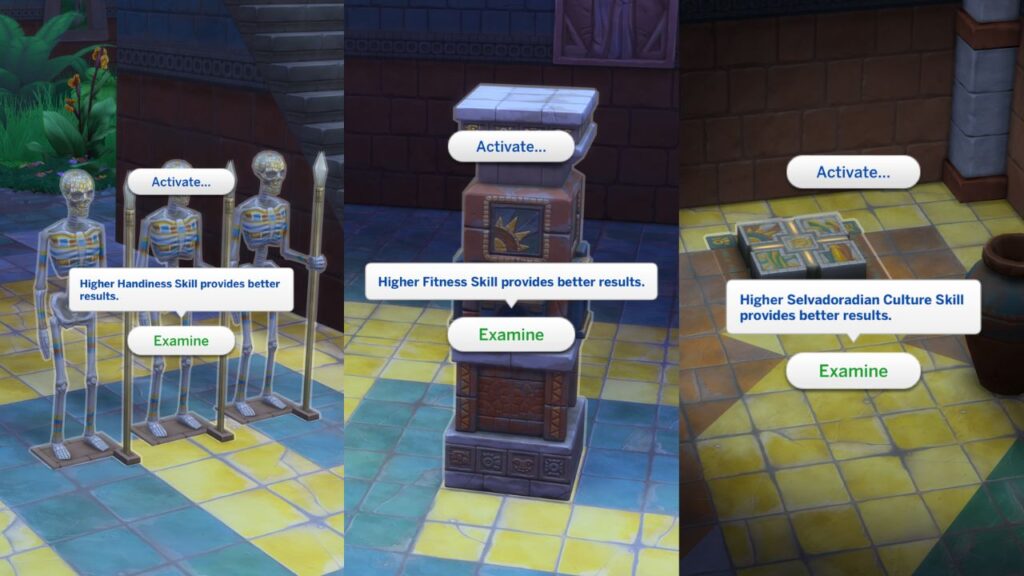
Click on examine and your sim will start working on figuring out how to get past the entrance to the next level of the temple lot.
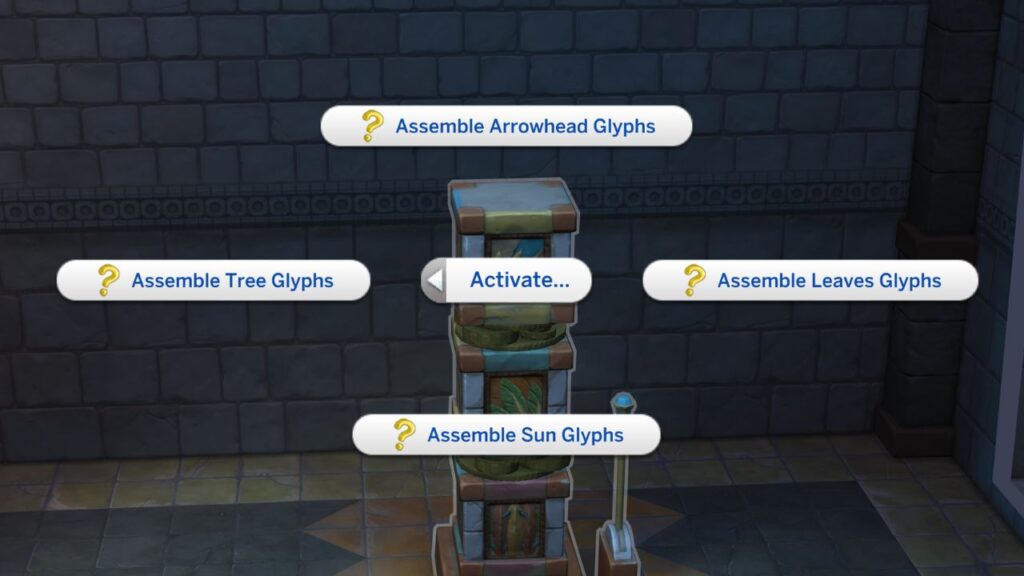
Before examining you’ll see under the activate option that there are different options with question marks next to them, the purpose of examining these items is to figure out which of these won’t work to open the path.
After examining you’ll get a notification telling you more information. For example, this one said “some of these triggers won’t work to unlock the gate, but that doesn’t rule them all out.” It left one with a question mark next to it.
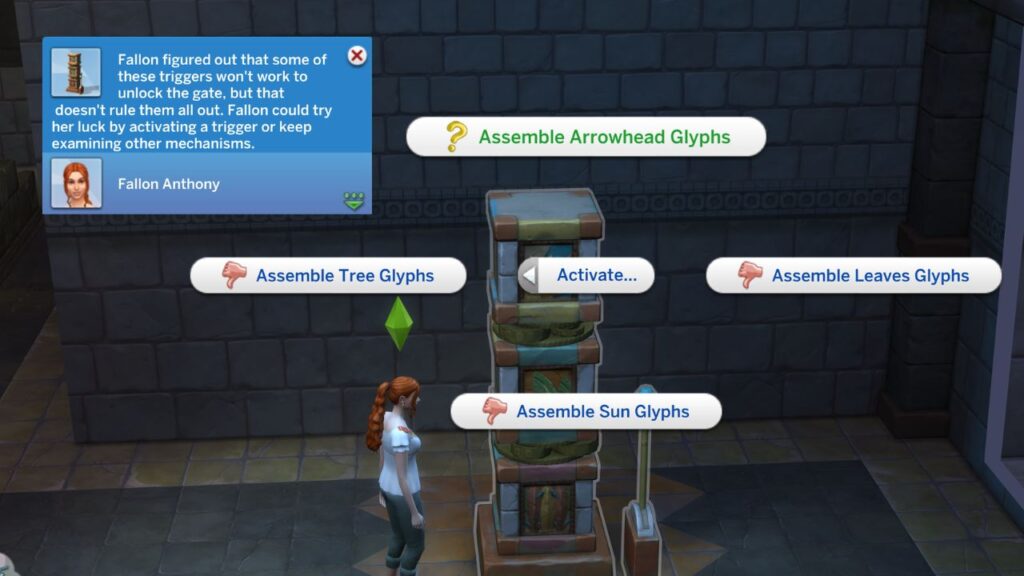
Clicking on the question mark option under activate was able to bypass the temple’s defenses and get my sim past the first stage gate.
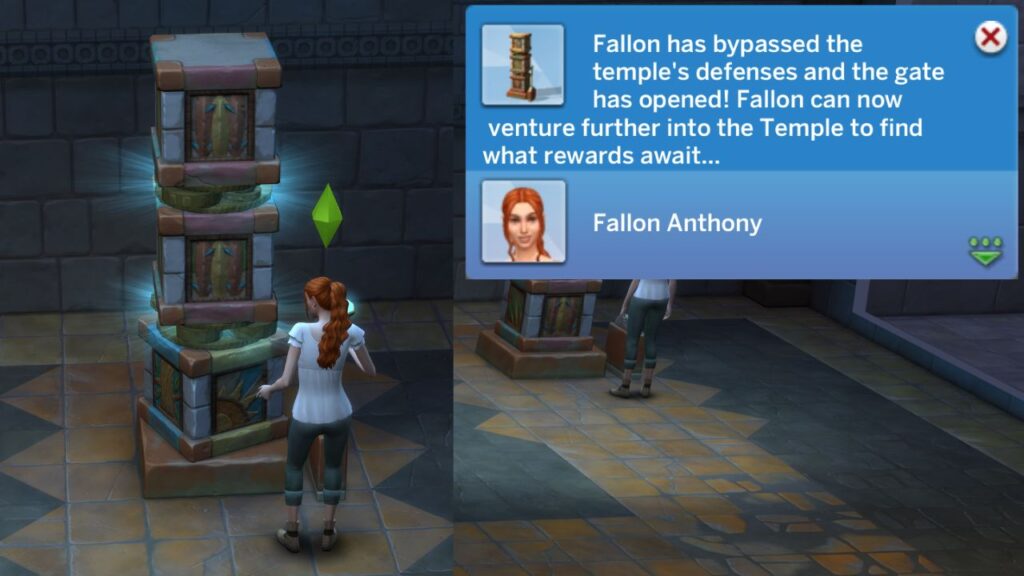
That is how you examine traps in The Sims 4 to get your sims through stages in the temple. You’ll need to do this task for the jungle explorer aspiration. Doing this many times will get you through to the bottom of the temple where you can find treasures!