How to Receive an Award in The Sims 4
If your sim is getting famous they may have the option to sims 4 receive award at the Starlight Accolades.
This comes to the game with The Sims 4: Get Famous and is a requirement for the master actor or actress aspiration.
How to Receive an Award in The Sims 4
At some point in your sim’s fame journey you’ll get a very exciting notification. It’ll say “Your sim was nominated for an award for *insert reason they’re famous*! Check out the next award ceremony, Sunday at 7PM to see if they won.”
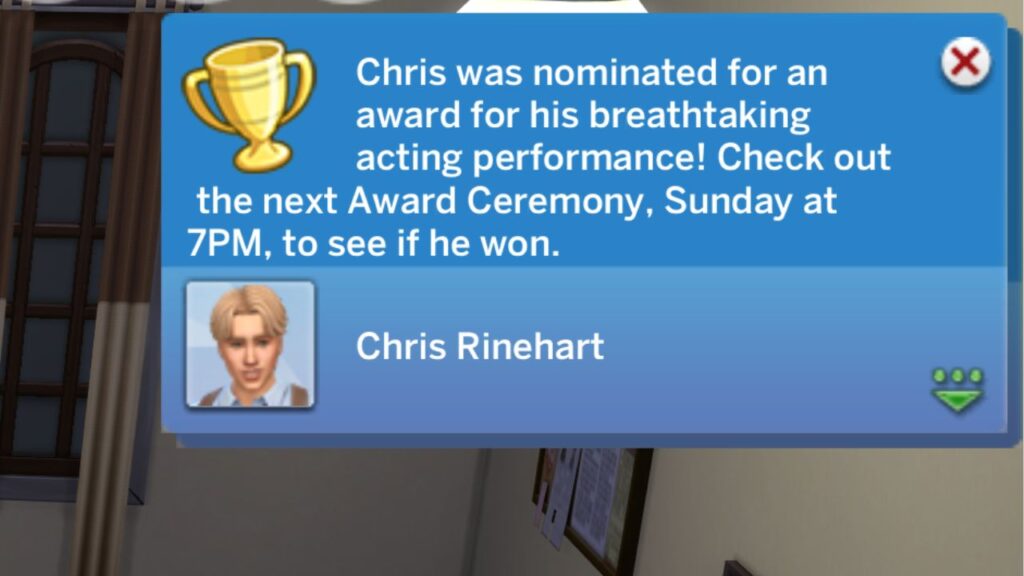
The next Sunday you’ll want to head over to the Studio PBP Lot in Del Sol Valley for the awards. The building has a celebrity door, meaning you can’t enter if you aren’t famous.
However, you can click on the door and lower the fame rating or decide to bribe a bouncer to get in instead.
Once your sim is in the building your awards will happen and you’ll see a notification about what you were nominated for. If your sim won they’ll go up and give a speech and be able to accept their award which makes for really cute screenshots.
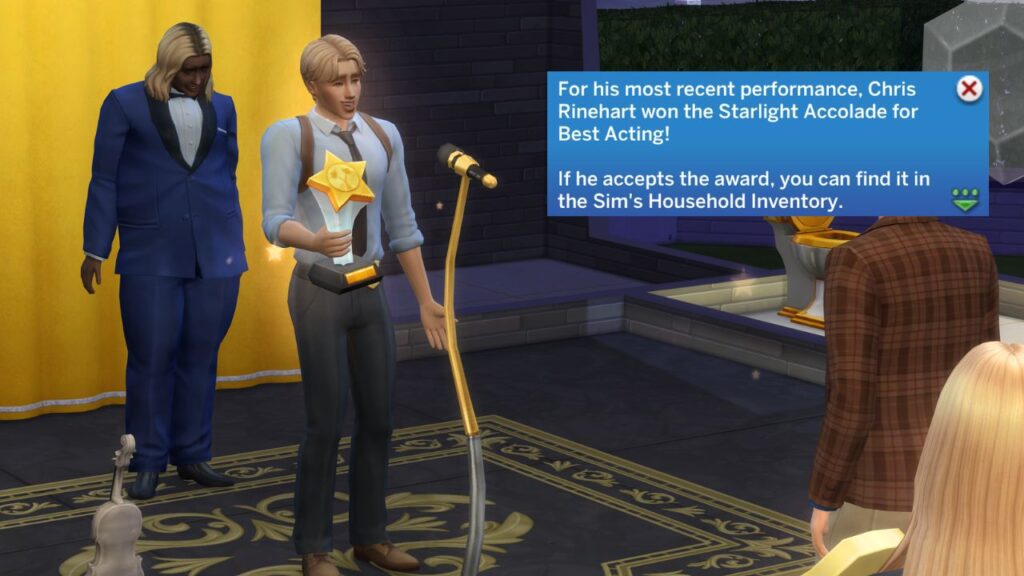
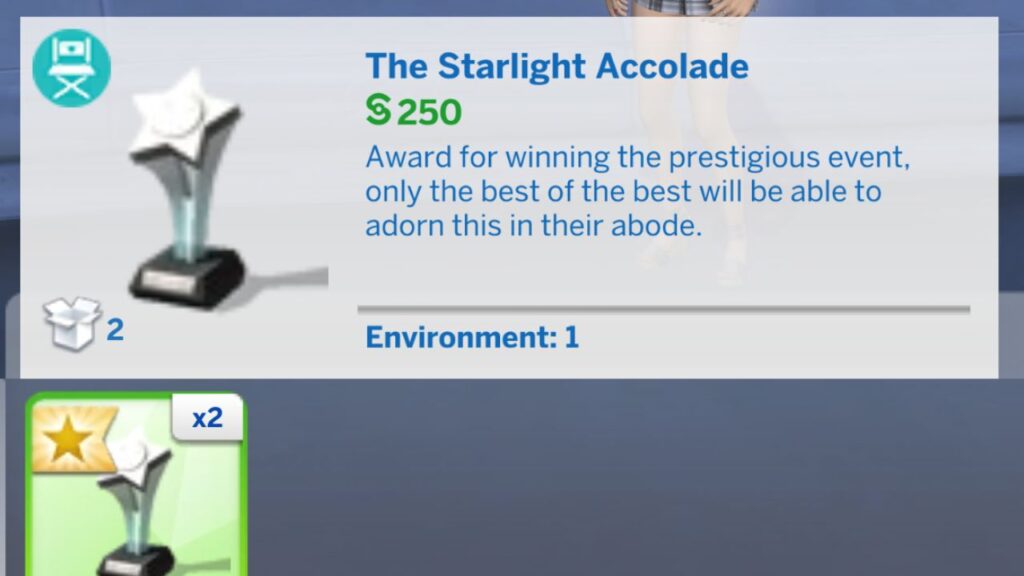
When you arrive back at home you’ll be able to go into the household inventory and find The Starlight Accolade award. This is a really fun thing to decorate with, I love putting it in my bathroom because that’s funny.
Now that you know how to get your award, you’ll be able to finish the master actor or actress aspiration!