How to Use UI Cheats in The Sims 4
If you’re willing to play with mods you need the UI Cheats Extension for The Sims 4.
This incredible mod lets you click on the different sections of the game and opens menus that let you cheat without needing to remember super long cheat codes.
How to Install UI Cheats
To get UI Cheats in your game you’ll need to first download it which you can do here. You’ll see it in your downloads folder and you’ll need to unzip this folder and place both files into your Mods folder.
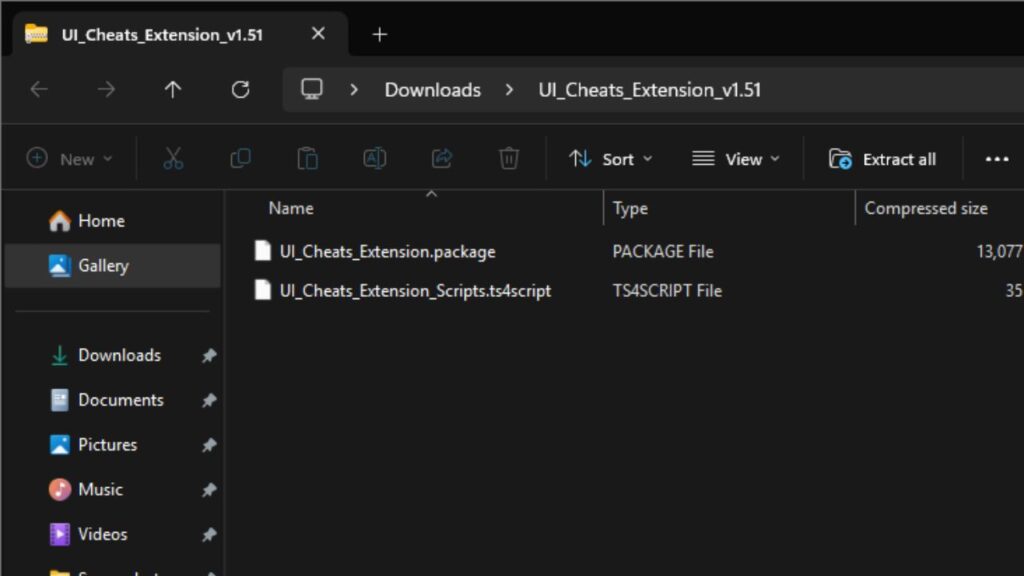
You’ll find your mods folder under documents > electronic arts > The Sims 4 > Mods and you can place this in one folder inside your mods folder but don’t bury it too deep.
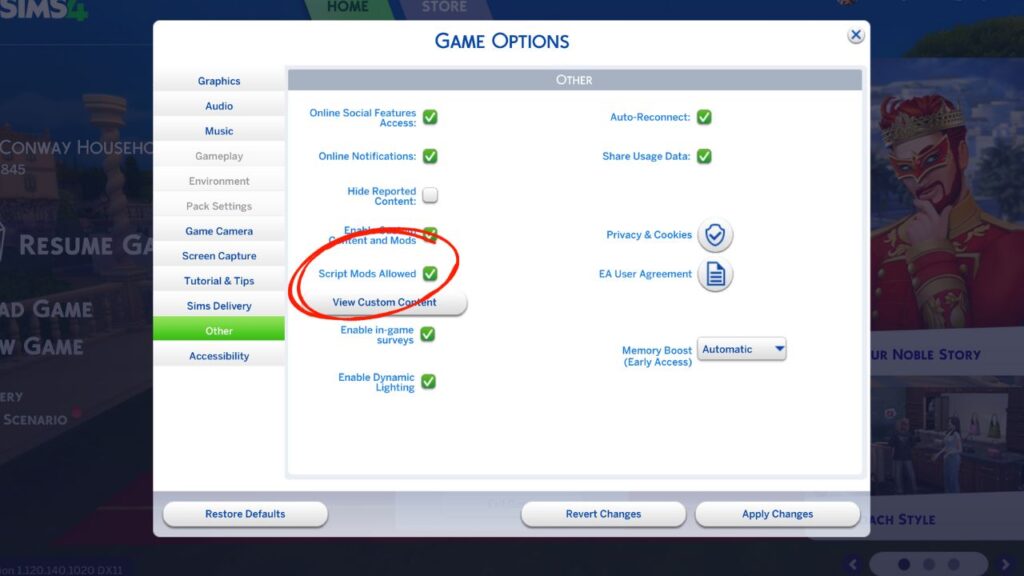
You’ll need to go into your game options and make sure that you have script mods enabled. If they weren’t, you’ll need to enable them and then restart your game. Once they’re enabled and its in your mods folder you’ll be free to use them!
How to Use UI Cheats
The reason why UI Cheats is so popular is because it’s so easy to use. You’ll just need to right click on any part of the UI to cheat with this mod. It’s literally that easy, but lets go into the different things you can cheat with this mod.
Cheating Needs
The first thing you can do is cheat a sim’s needs by clicking on the needs bar for any need your sim has. For this one you can just use a regular left click and wherever you click the need will be filled with that amount.
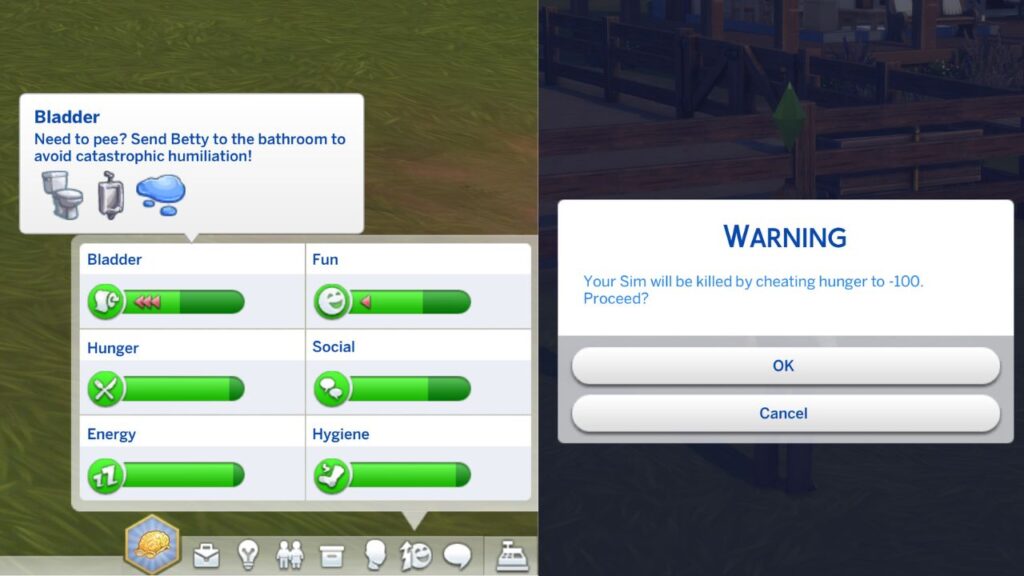
You can even click to instantly kill a sim with death by starvation by clicking on the low end to have them starve to death instantly. Don’t worry, the game gives you a warning before letting you do this!
Cheating Money
The next cheats you can do are money cheats which are so easy to do. The first thing you can do is just click on your sim’s household funds and UI Cheats will give you 1,000 simoleons.
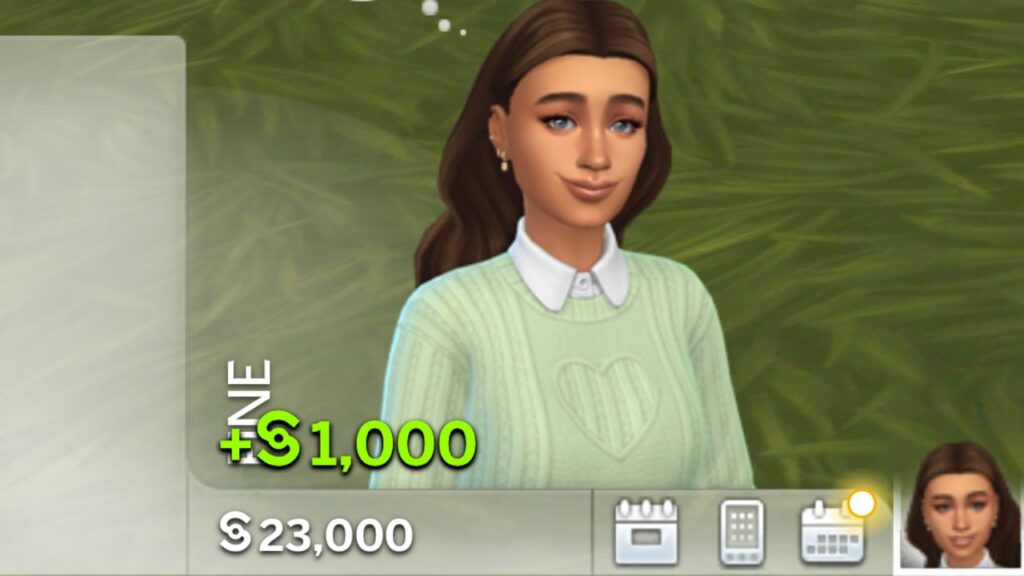
If you right click on the household funds a menu will open where you can cheat your sim’s simoleons. You’ll also be able to cheat:
- Galactic Credits from Journey to Batuu
- Bits & Pieces from Eco Lifestyle
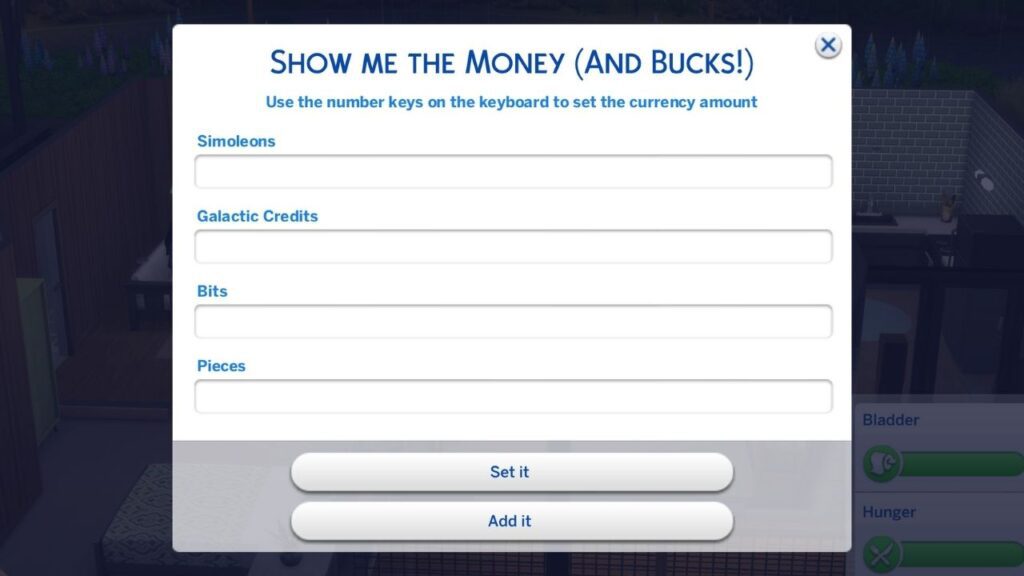
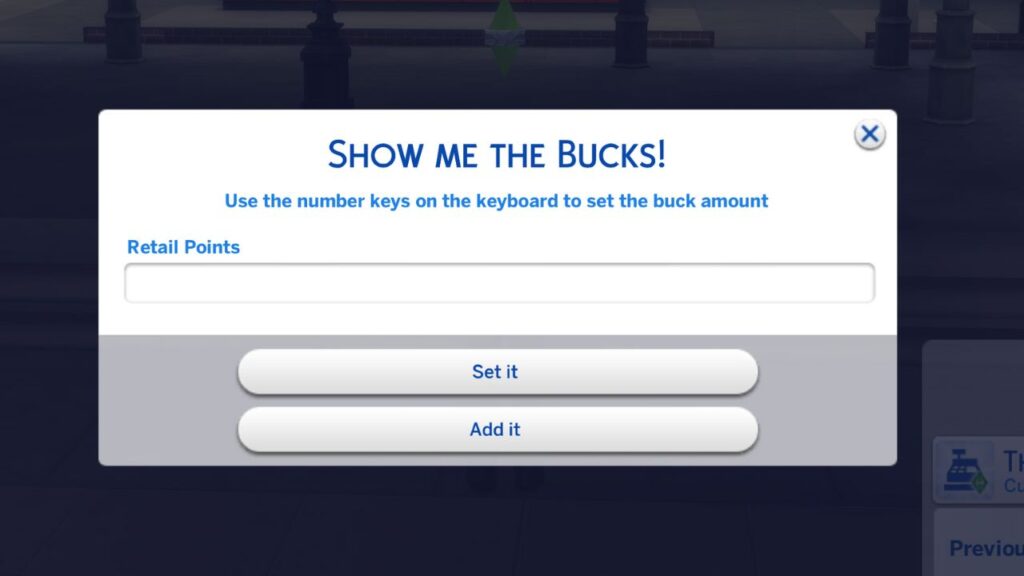
There are two buttons at the bottom of this menu, set it and add it. If you put a number in the bar and click set it, UI Cheats will give your sim’s household that many simoleons as the total amount.
If you choose add it UI Cheats will add that number of simoleons on top of whatever your sim’s household already has.
Cheating Aspirations
There is one aspiration cheat in the game that lets you skip an entire level, but with UI Cheats you can right click on individual tasks in your sim’s aspiration and it will mark them as complete!
Cheating Traits
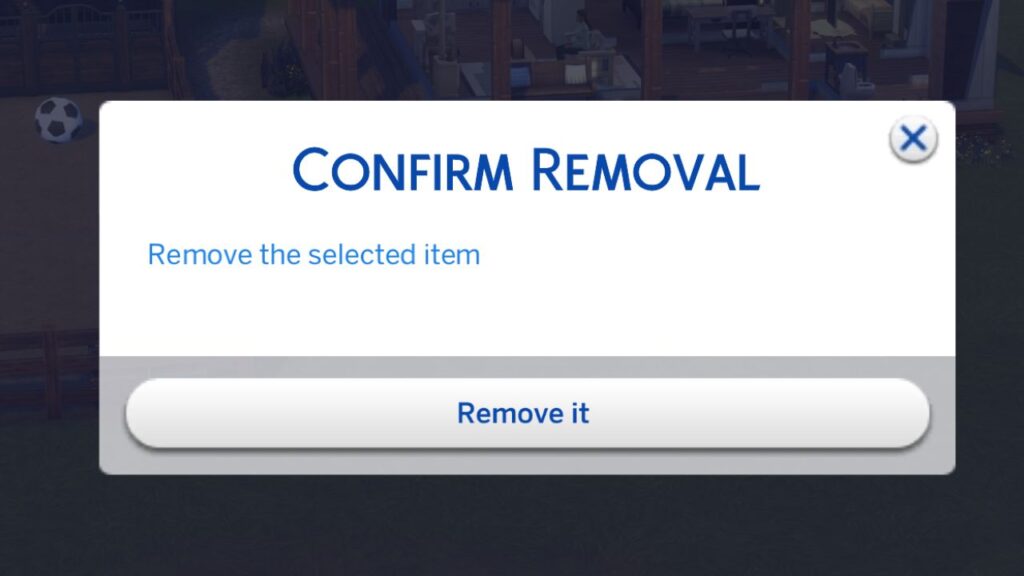
Traits have a huge impact on your sim and using trait cheats is a great thing to do to change their personality. With UI Cheats you can right click on any traits your sims have to remove them and UI Cheats will give you a pop up asking if that’s what you want to do.
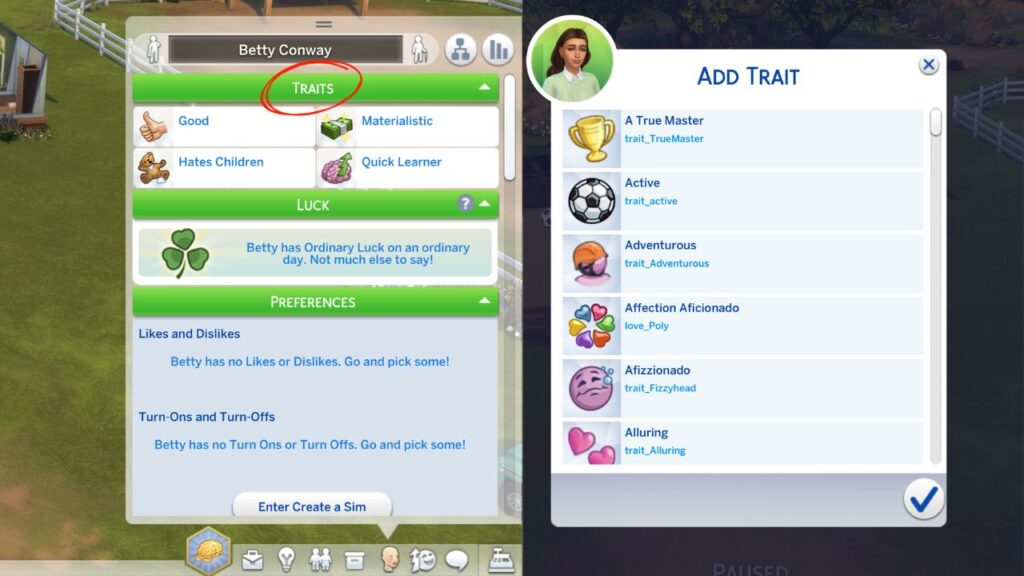
You are also able to right click on the green bar that says traits and a menu will open where you can add traits to your sim. This is awesome because it has all the traits from rewards from aspirations, the reward store and careers to just add to your sim.
Cheating Careers
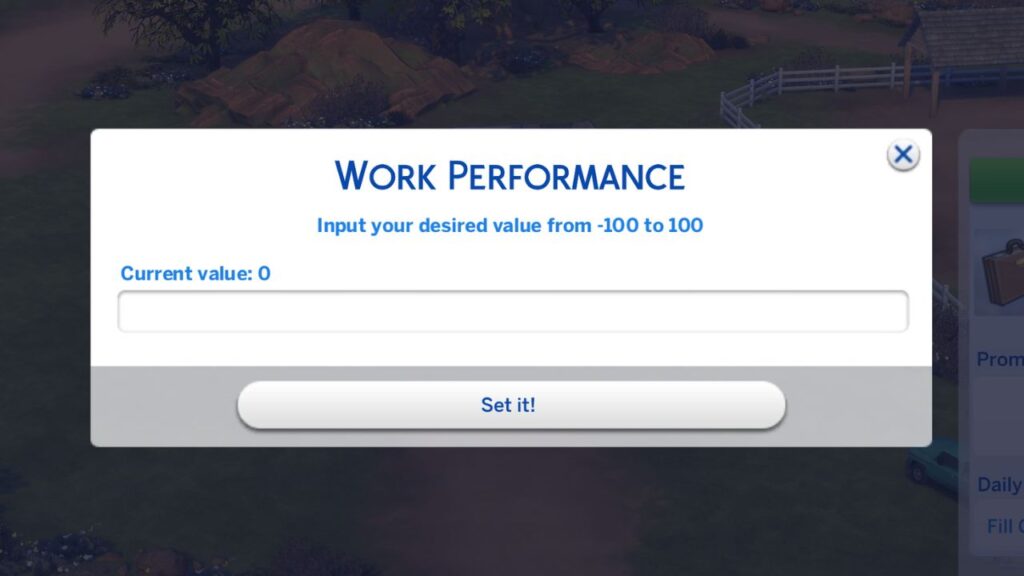
For career cheats the first thing you can do is change a sim’s work or school performance by right clicking on the bar. You’ll see a menu open where you can input a number to change your sim’s work performance.
You can also right click on the daily tasks and promotion tasks to have them be completed without actually working on them!
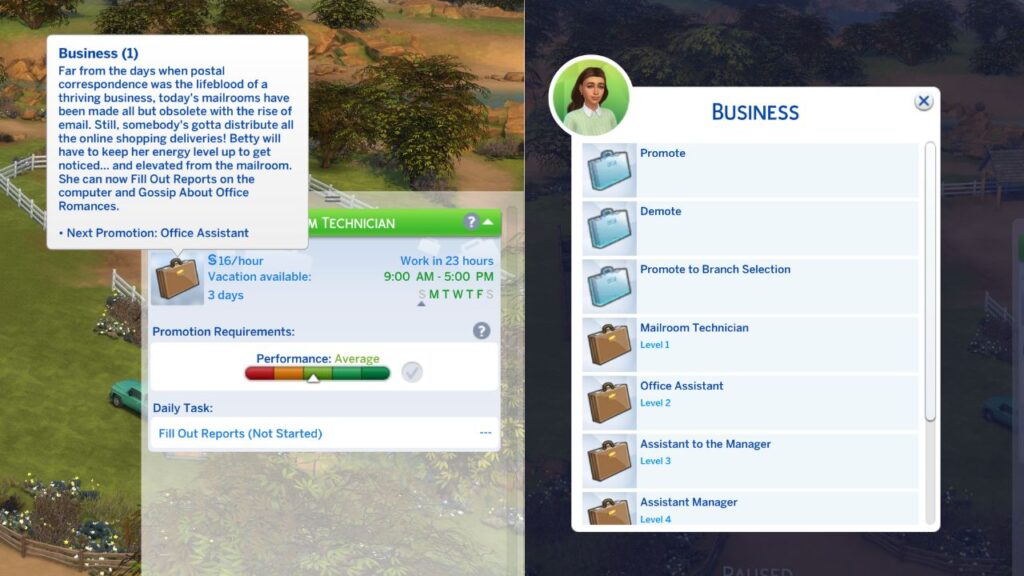
The final thing you can do is right click on the green bar with the job name or the job icon and a menu will appear where you can do things like:
- Promoting your sim
- Demoting your sim
- Promoting to Branch Selection
- Promoting to a Specific Level
Cheating Skills
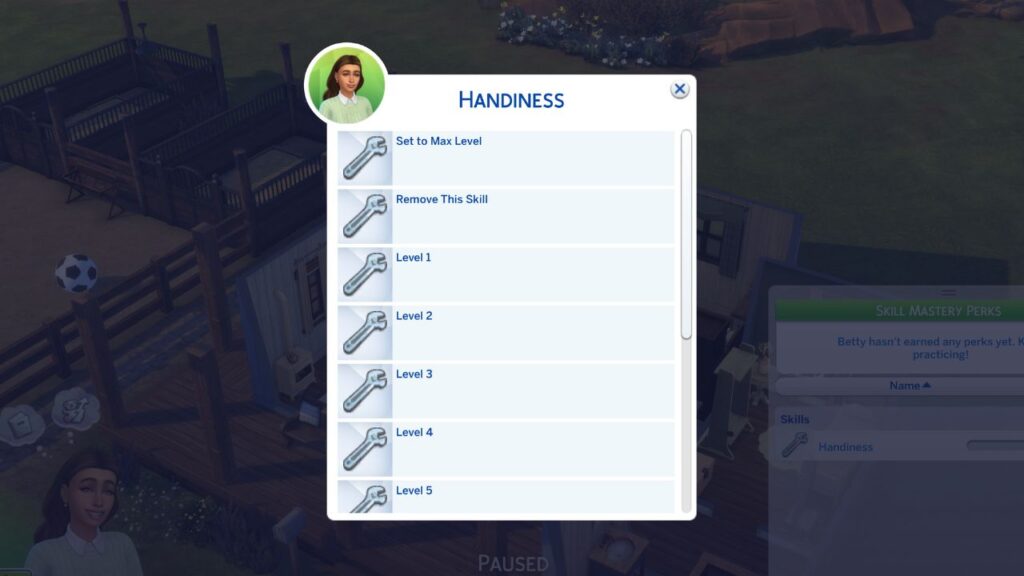
Having skills is smart but gaining them is a lot of work so skill cheats are a must. With UI Cheats you can right click on any skill your sim has and a menu will open where you can choose to set to max level, remove the skill or set it to a specific level.
Cheating Relationships
For relationship cheats you are able to right click on a sim’s picture in the relationship panel to open a menu. This menu will let you add a number between -100 and 100 to change your relationship with that sim.
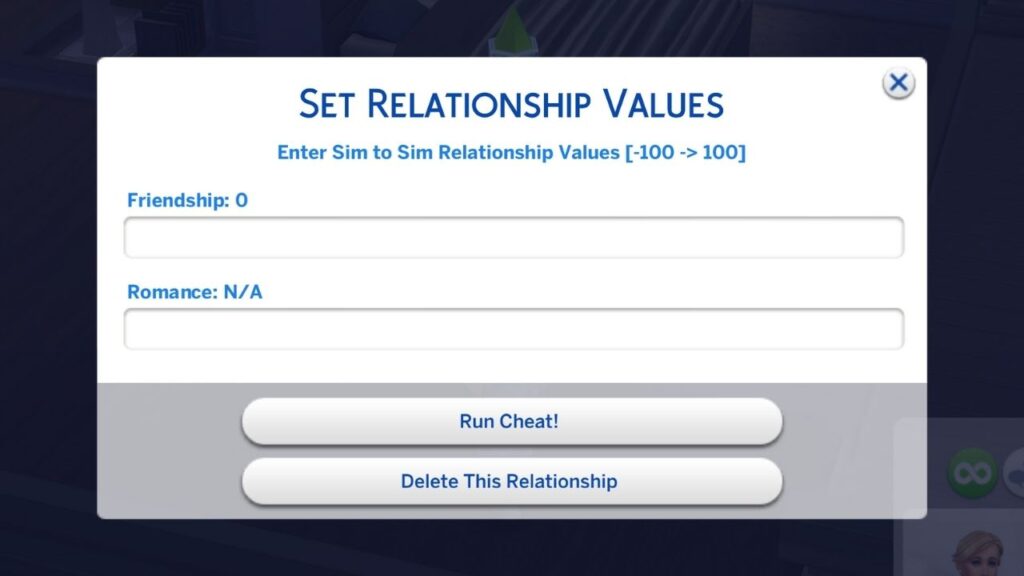
You can also use this menu to delete a relationship entirely if you no longer need your sim to know them. You can also do this with pet relationships for cats, dogs and horses.
Cheating Length of Life
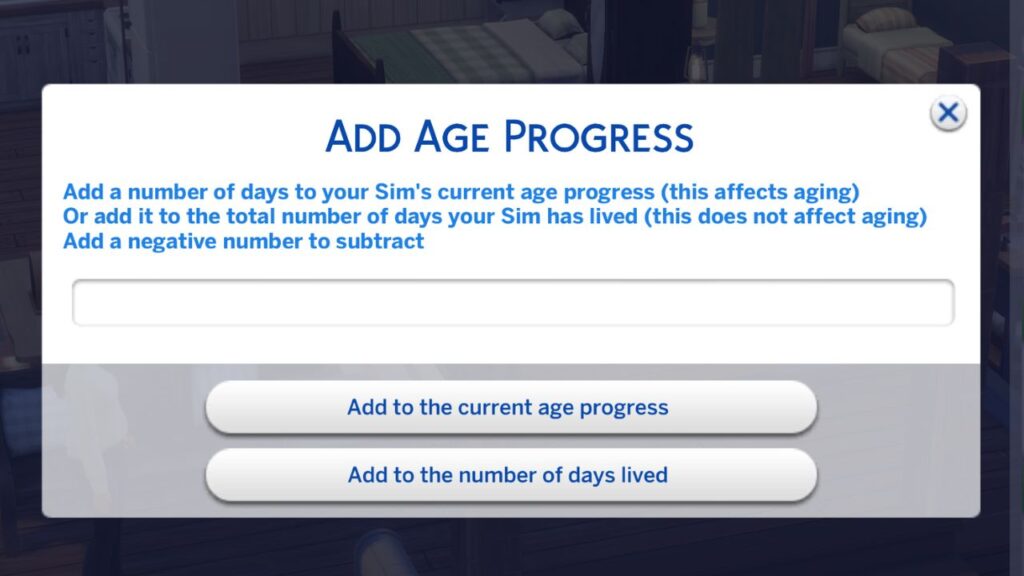
If you want your sim to live longer you can right click on the bar in their simology panel that shows how long they’ve lived. Right clicking on this will open a menu where you can add numbers or subtract numbers to change the number of days a sim has lived or change their age progress!
Cheating Moodlets
Moodlets can get annoying, especially if you need your sim to be in a specific mood. With the UI Cheats mod you can right click on any moodlet to remove it from your sim.
Cheating Event Tasks
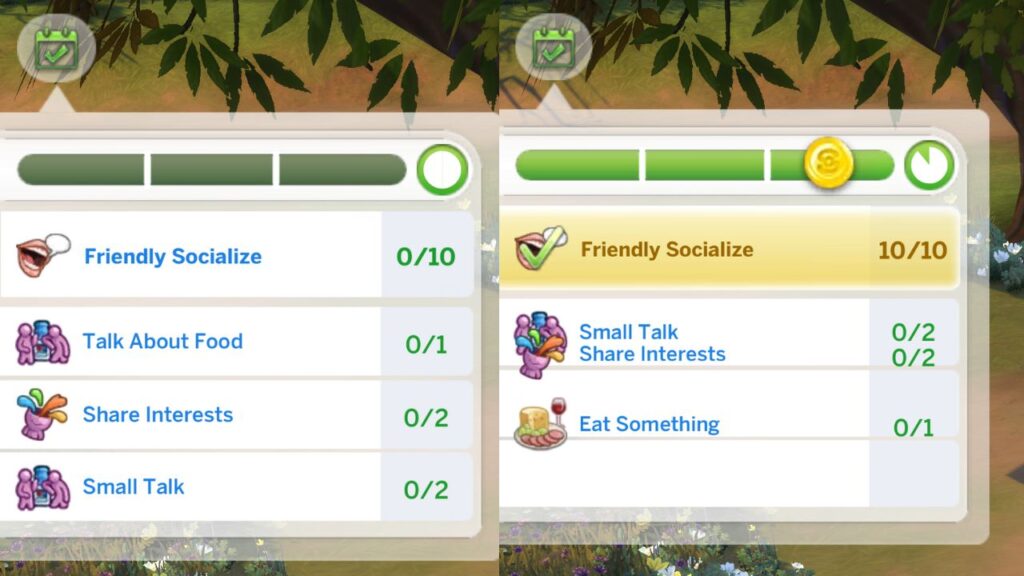
If you’re playing through a social event and want to get gold, you may panic but with the sims 4 UI Cheats mod you can right click on any of the events to turn them gold and have them be completed.
Cheating Collectibles
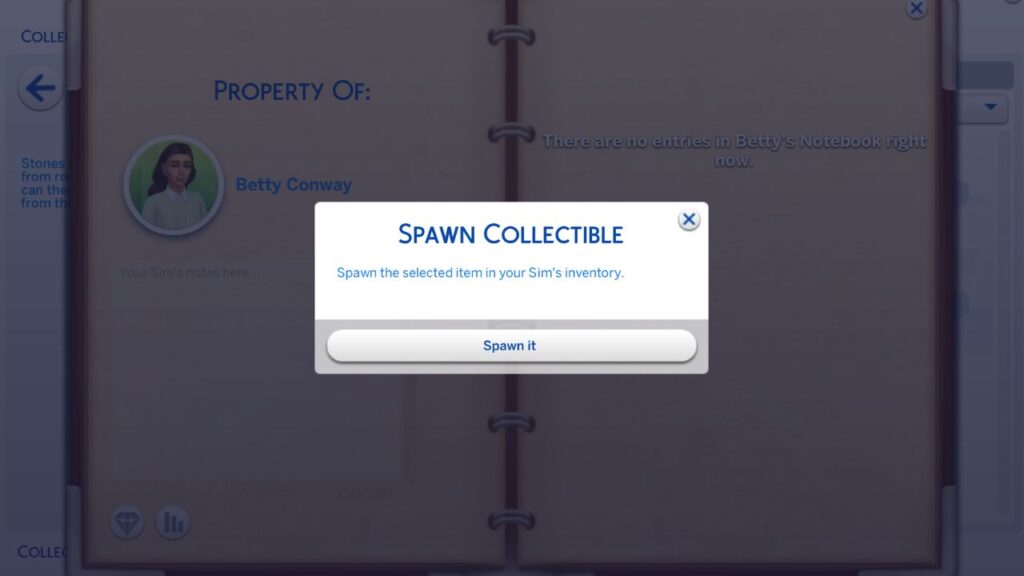
Finishing the many collections in the game takes a lot of time, but with this mod you can go into the collections menu and right click on any of the items. When you do this you will see a pop-up appear where you can choose to spawn it.
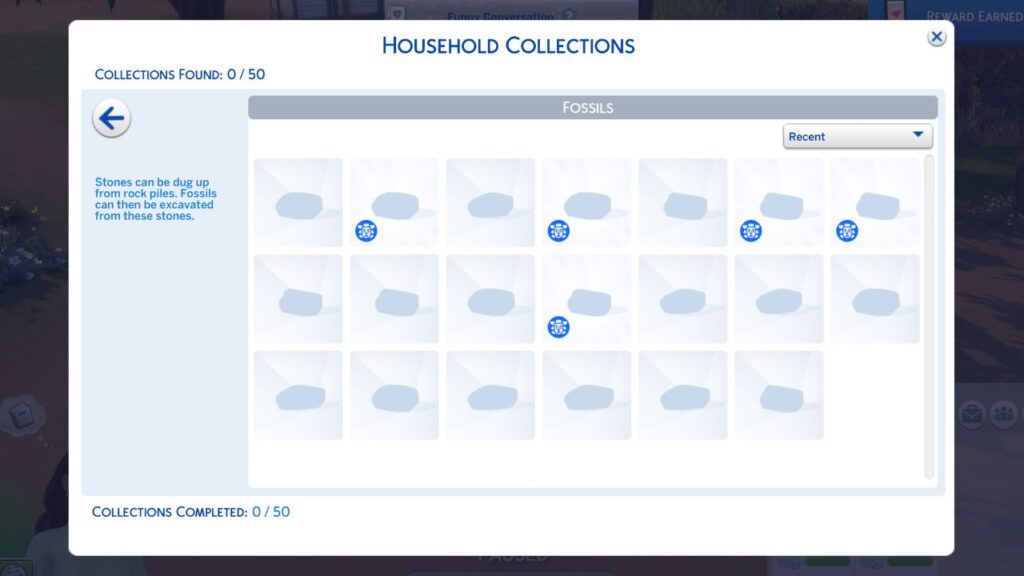
When you do this, it appears in your sim’s inventory and it counts toward your household collection.
Cheating Lunar Cycle
There are certain things that happen during specific moon phases like werewolf fury during a full moon, so you may want to cheat moon phases.
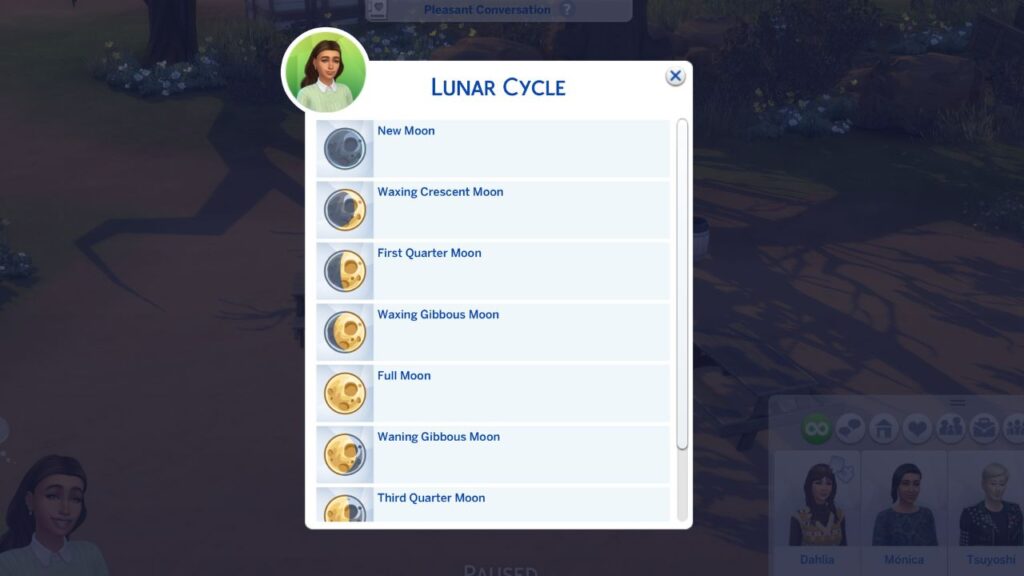
With this mod you can right click on the small moon icon next to the clock and a menu opens letting you choose any of the moon phases to change it.
Cheating Seasons & Weather
If you have The Sims 4: Seasons you can right click on the little seasons icon beside the clock and a menu opens letting you choose between any of the four seasons.
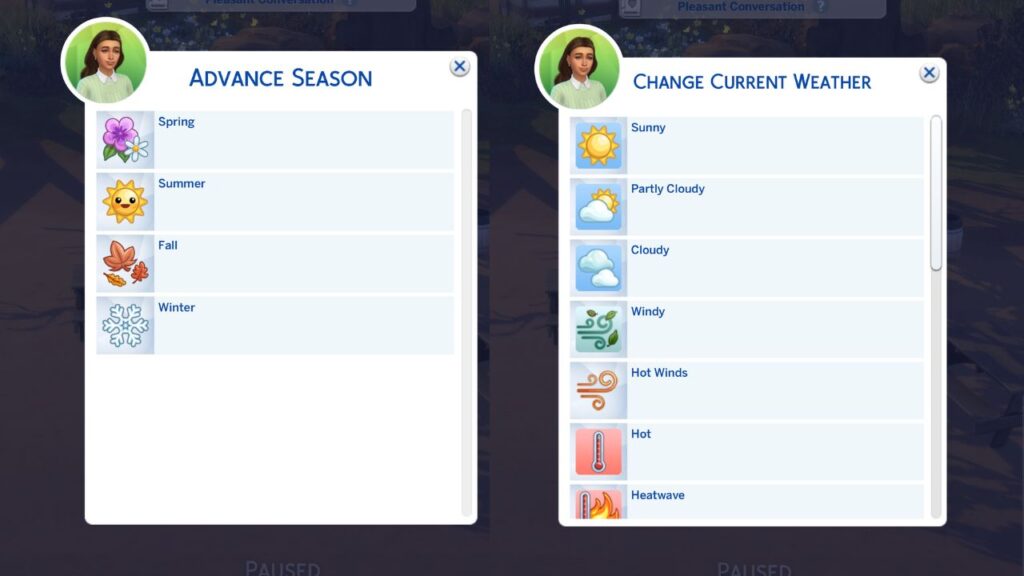
To cheat the weather you can right click on the weather or temperature icons on the right side of the clock. Doing this opens a menu where you can choose between any of the weather options from sunny to snowy.
Cheating Eco Footprint
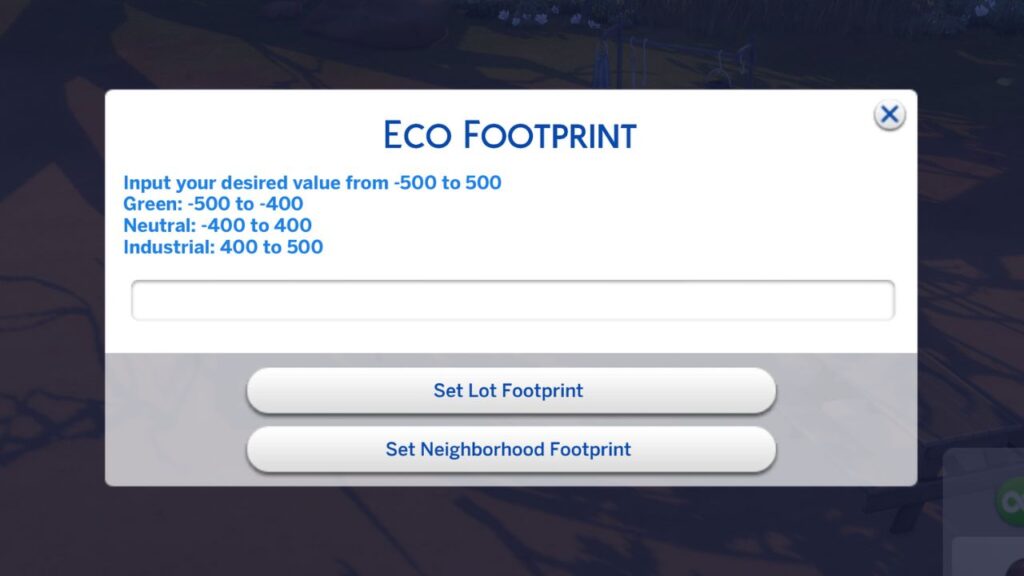
If you have The Sims 4: Eco Lifestyle your sim’s actions impact the environment. You’re able to cheat the eco footprint of the neighbourhood by right clicking on the little icon to the right of the clock that shows the eco footprint of the world.
Cheating Club Points
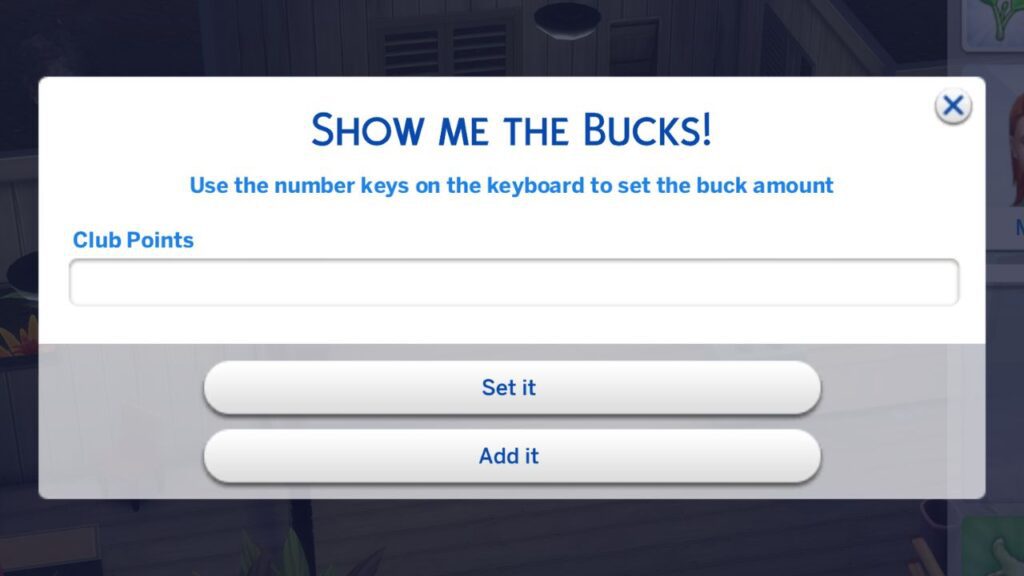
If you have The Sims 4: Get Together you can join a club where you earn club points to get perks. If you right click on the club menu where it says club points and a menu opens where you can give your sim club points so you can purchase perks.
Cheating Occult Rank
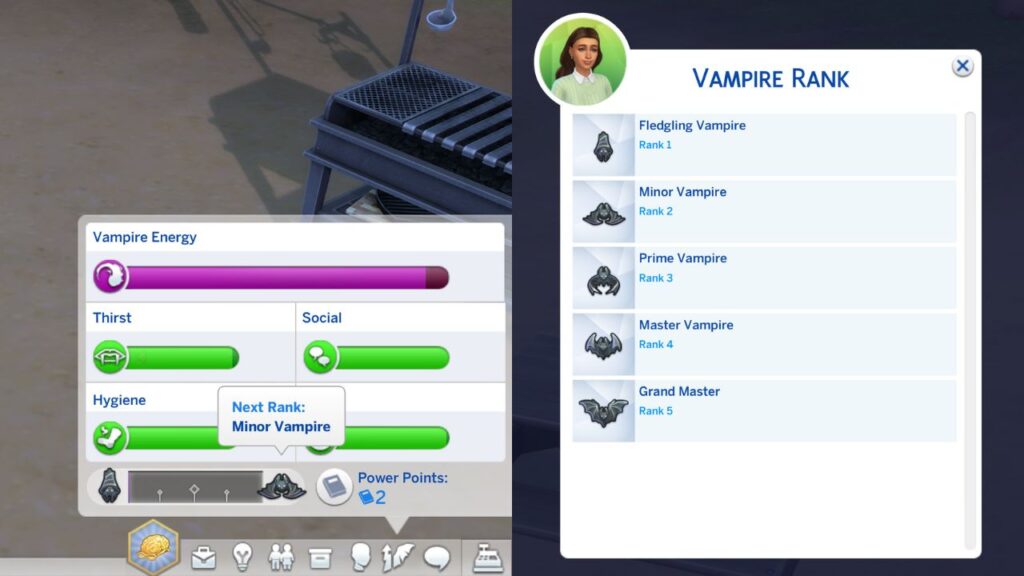
When your sim is an occult that has ranks (werewolves, fairies, vampires and spellcasters) you can right click on the icon in the rank bar and a menu will open where you can choose between the many ranks.
Cheating Occult Perks
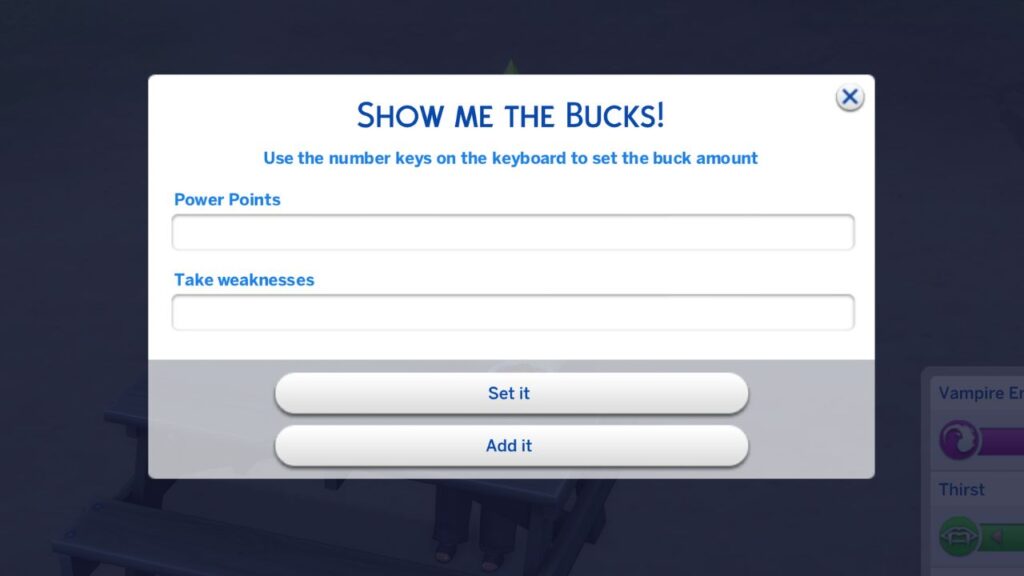
There are two ways you can cheat occult perks, the first way is to right click on the part that has their point number. A menu opens where you can add as many points as you want.
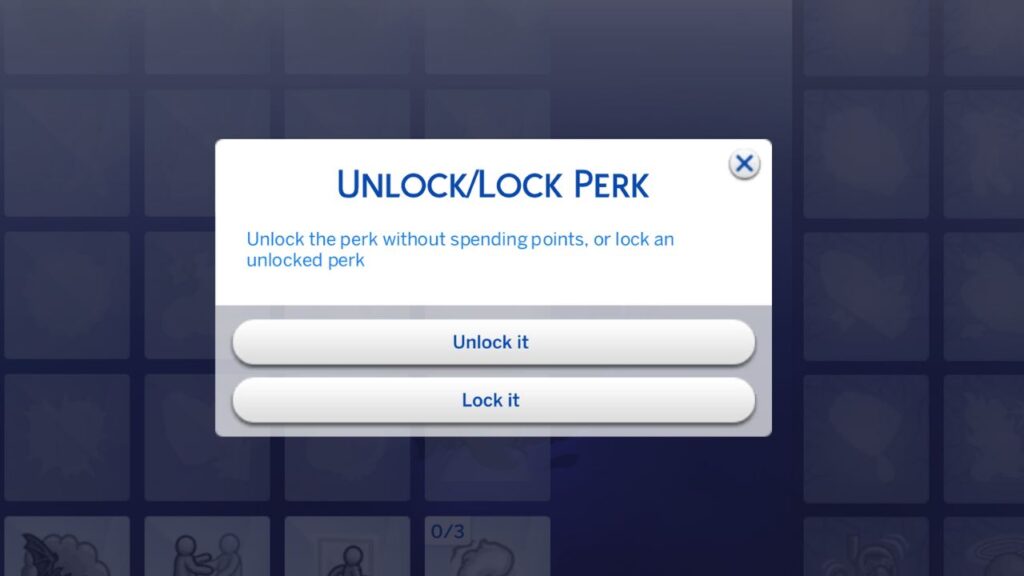
The other option is to go into the perk tree and you can right click on the individual perks and a pop-up happens letting you choose to unlock them!
Cheating Business Ranks & Perks
When running any of the businesses you can cheat perk points by right clicking on that section where a menu will open letting you choose how many points you want so you can buy specific perks for that business.
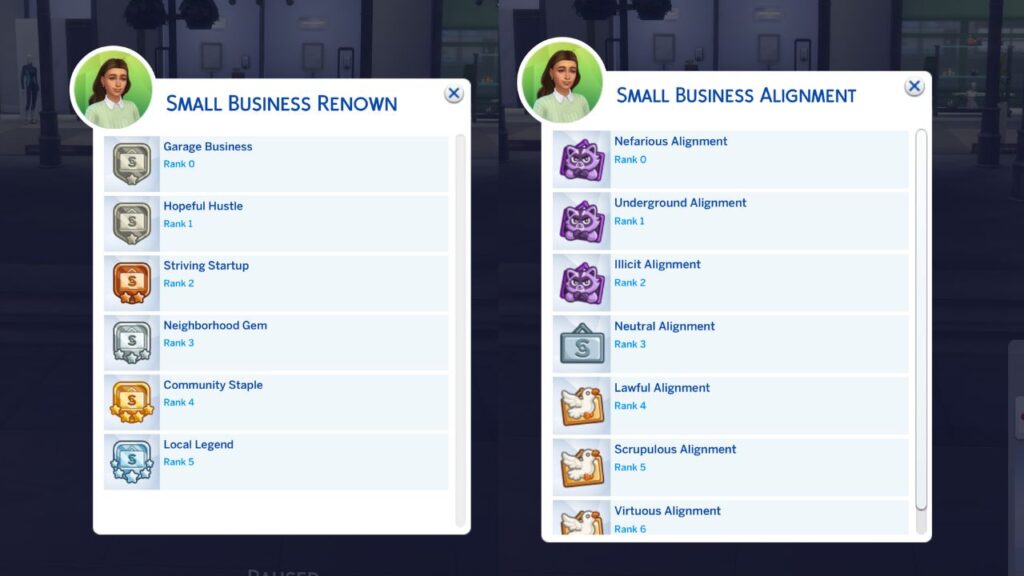
With the small businesses from The Sims 4: Businesses & Hobbies you can also right click on the business rank and business reputation to cheat those as well!
Cheating Soul’s Journey & Bucket List
With The Sims 4: Life & Death your sim can have bucket list items they want to do and if you right click on them you can have them be completed instantly.
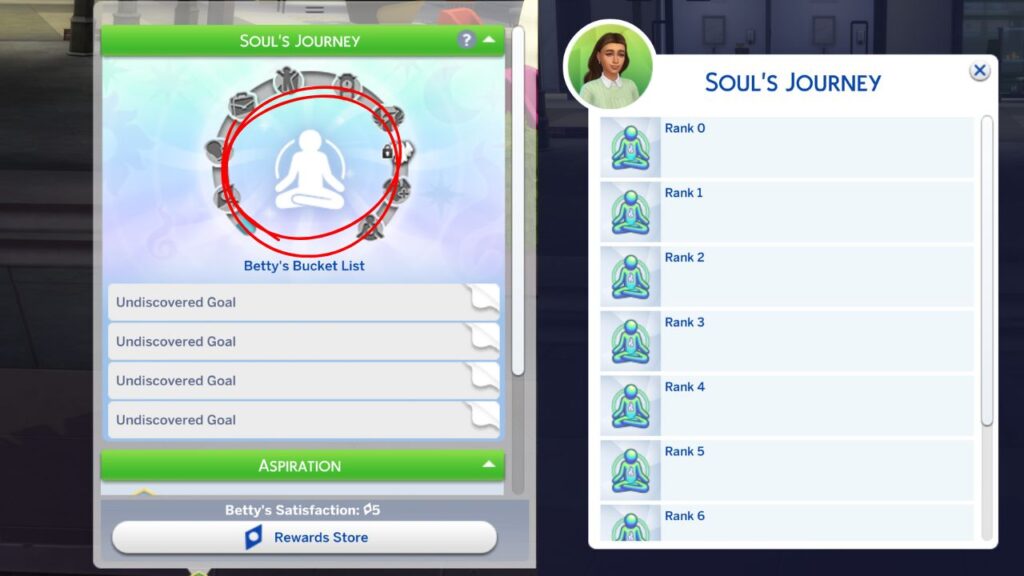
Right clicking on the skill mastery icon above the list you’ll be able to change the level of your sim’s soul journey with the menu that pops up.
Cheating Skill Mastery Perks
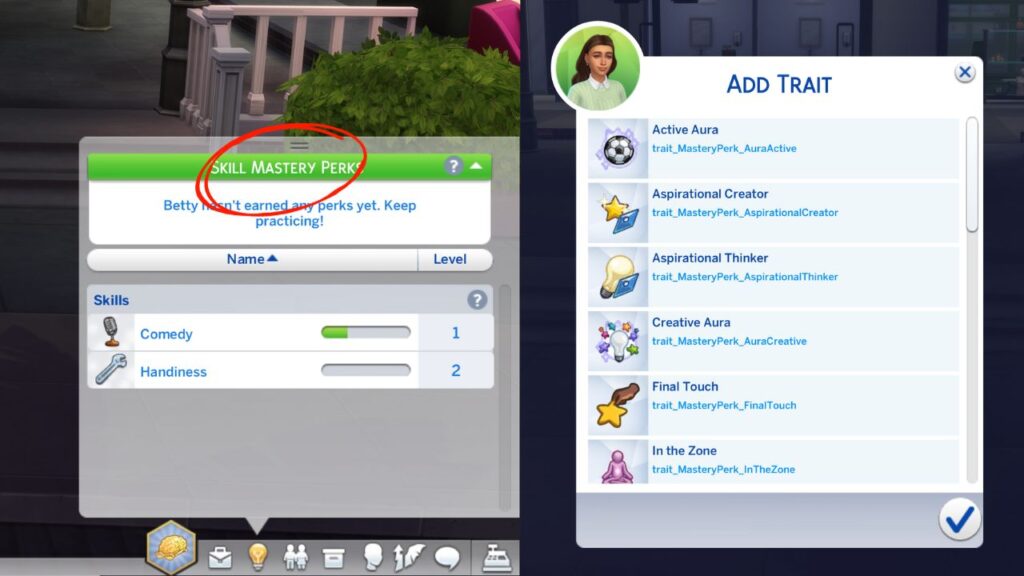
With The Sims 4: Businesses & Hobbies your sim can get skill mastery perks that give them fun benefits. You’ll find this in the skill menu and right clicking on the green bar will open a menu where you can choose to add a specific perk. Once you have them you can also right click on the individual ones to remove them.
Cheating Lifestyles
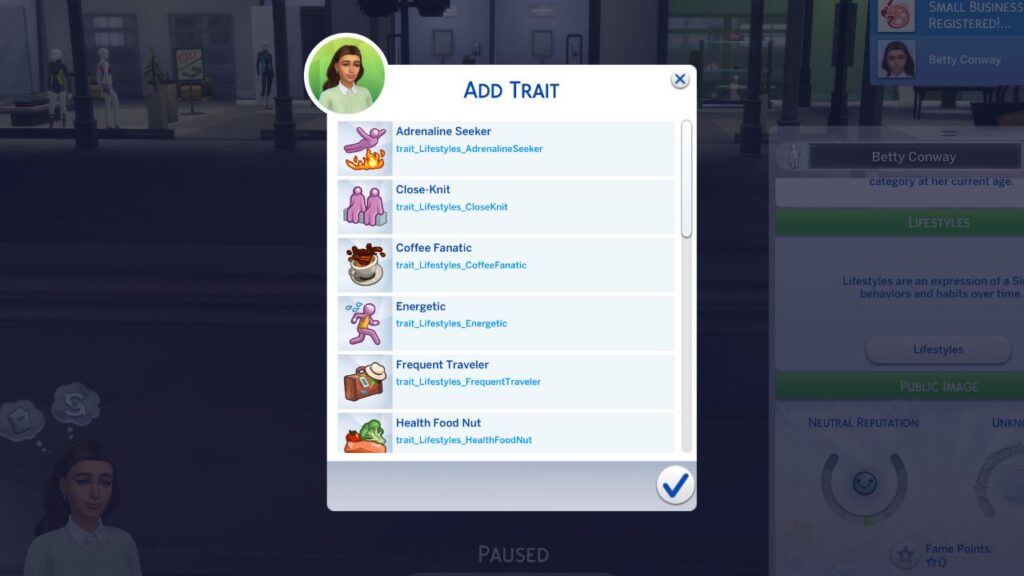
With The Sims 4: Snowy Escape your sim can earn lifestyles by behaving in certain ways for a specific time. You can go to the simology panel and if you right click on the green lifestyles bar you can have a menu open where you’ll be able to add any of the lifestyles to your sim.
Cheating Public Image
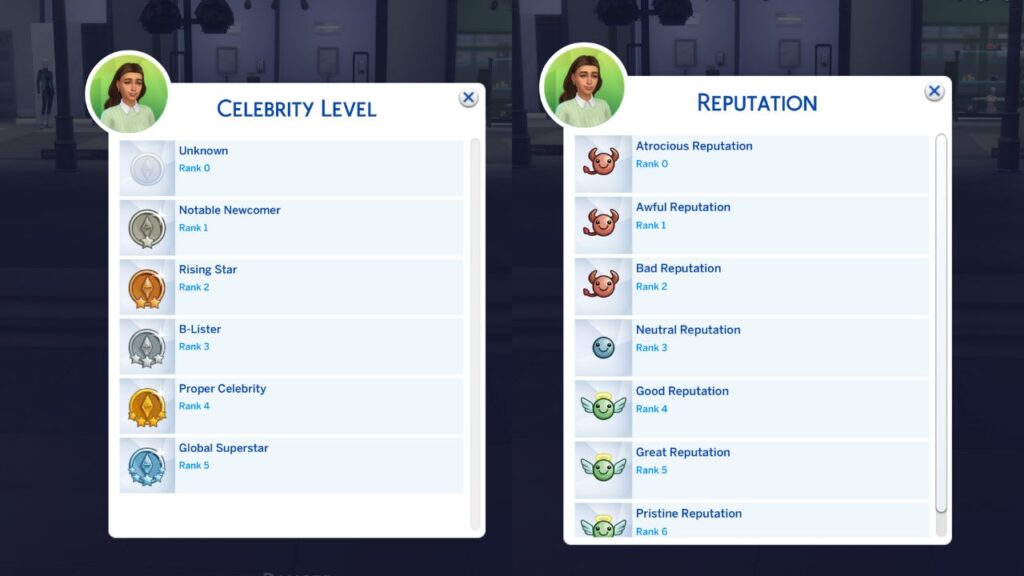
If you have The Sims 4: Get Famous your sim can gain reputation and gain fame. These are two things you can cheat by right clicking on them in your sim’s simology panel. Each of them will open a menu where you can scroll and pick what level of reputation or fame you want your sim to have.