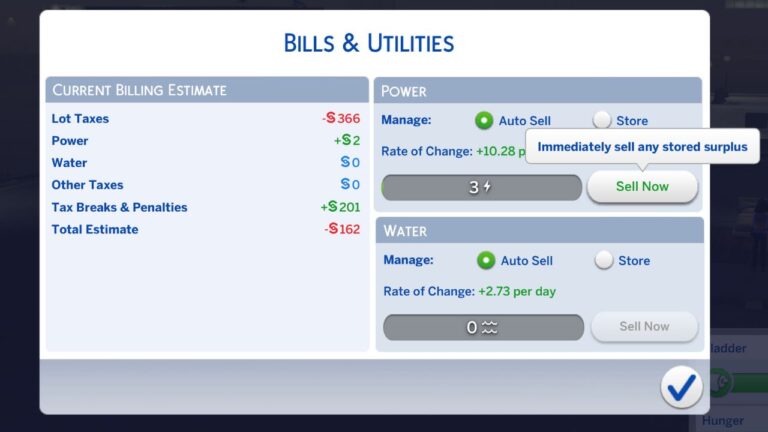
The Sims 4 Eco Footprint Cheats
Making the entire world green is a great endeavor but its made so much easier with these sims 4 eco footprint cheats.
The eco footprint system comes with The Sims 4: Eco Lifestyle and makes it so your actions change how the world is from industrial to green.
How to Use Eco Footprint Cheats
The first thing you’ll need to do to change the eco footprint with these cheats is to enable cheats by entering the cheat box. You’ll open the box in this way:
- PC: Ctrl + Shift + C
- Mac: Command + Shift + C
- Console: All Four Triggers
You’ll then type in testingcheats true and hit enter to enable cheats. You’ll also enter any other cheat codes you want to use into that same box.
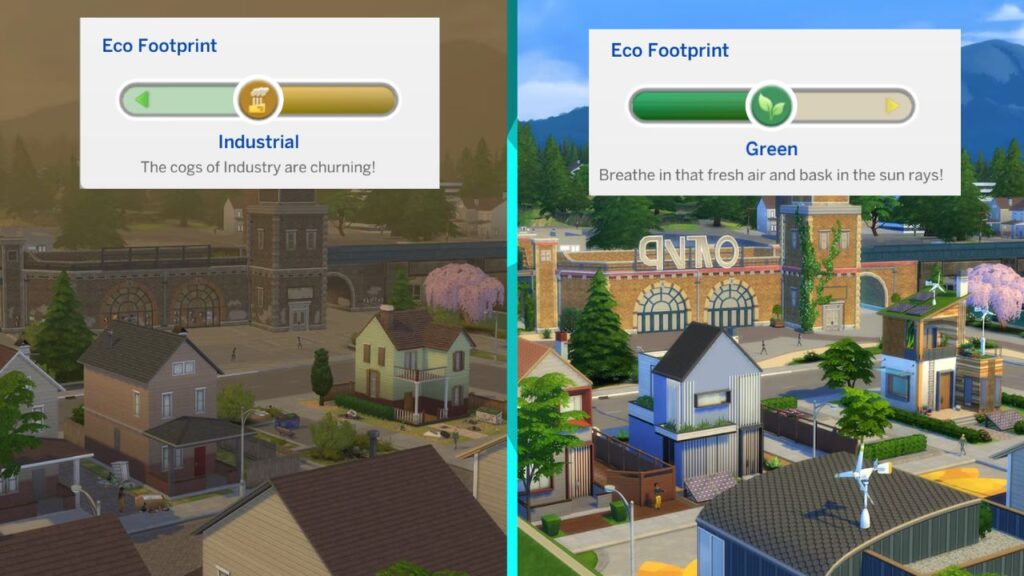
There are three levels of eco footprint a neighbourhood can have which are green, neutral or industrial. You can use the below cheats to give your neighbourhood whichever one you’d like.
| Eco Footprint | Cheat Code |
|---|---|
| Industrial Footprint | eco_footprint.set_eco_footprint_state 2 |
| Neutral Footprint | eco_footprint.set_eco_footprint_state 1 |
| Green Footprint | eco_footprint.set_eco_footprint_state 0 |