How to Enable Cheats in The Sims 4
If you want to use cheats you’ll need to know how to enable cheats in The Sims 4.
Doing this lets the game know that you want to use cheats and makes sure they work!
How to Enable Cheats
The first thing you need to do is open the cheat dialogue box which is where you put all cheat codes. The way you do this changes depending on where you’re playing.
- PC: Ctrl + Shift + C
- Mac: Command + Shift + C
- Console: All Four Triggers
Once the cheat box is open you’ll type in testingcheats true and hit enter. When you do this the game will pop the box open and let you know that cheats are enabled and now you’re free to use any cheat code you like.
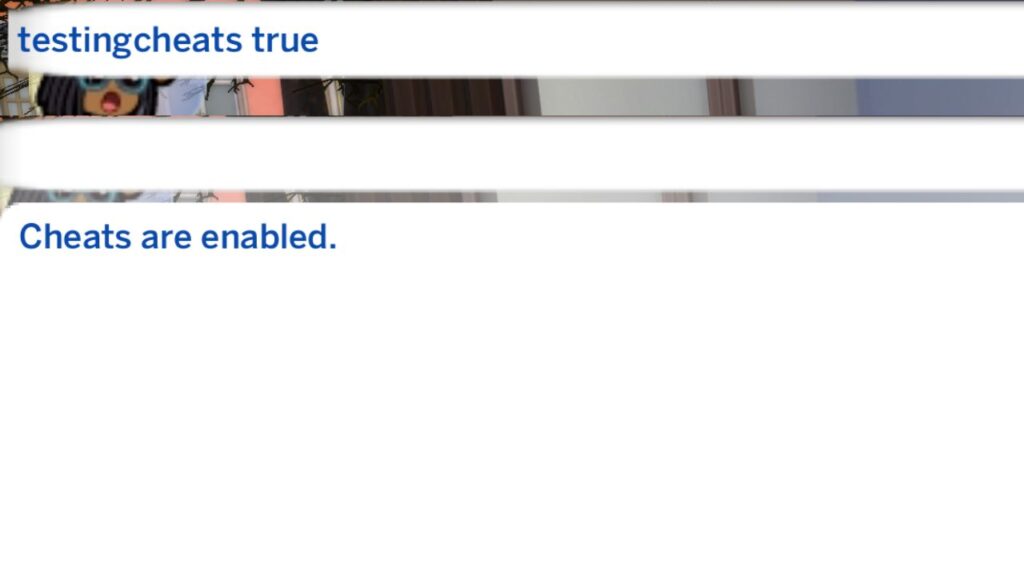
Note: You can also use testingcheats on to do the same thing. If you want to turn cheats off you’ll just change it to testingcheats off or testingcheats false and it will turn them off for you.