How to Get Death by Overheating in The Sims 4
Wearing proper clothing for the weather is so important or else your sim can experience the sims 4 death by overheating.
This death comes with The Sims 4: Seasons and will happen to your sims in the warm weather of Summer.
How to Get Death by Overheating in The Sims 4
When you create your sim you’ll be picking their everyday outfits as well as their hot and cold weather outfits. When the weather is warm in the summer you want to make sure that if your sim is going outside they are in their hot weather clothing.
If you don’t your sim will end up with a +99 Uncomfortable moodlet called Lethal Heat that says “This sim is overheating due to high temperatures! Better cool them off by switching into cooler clothing or getting them indoors.”
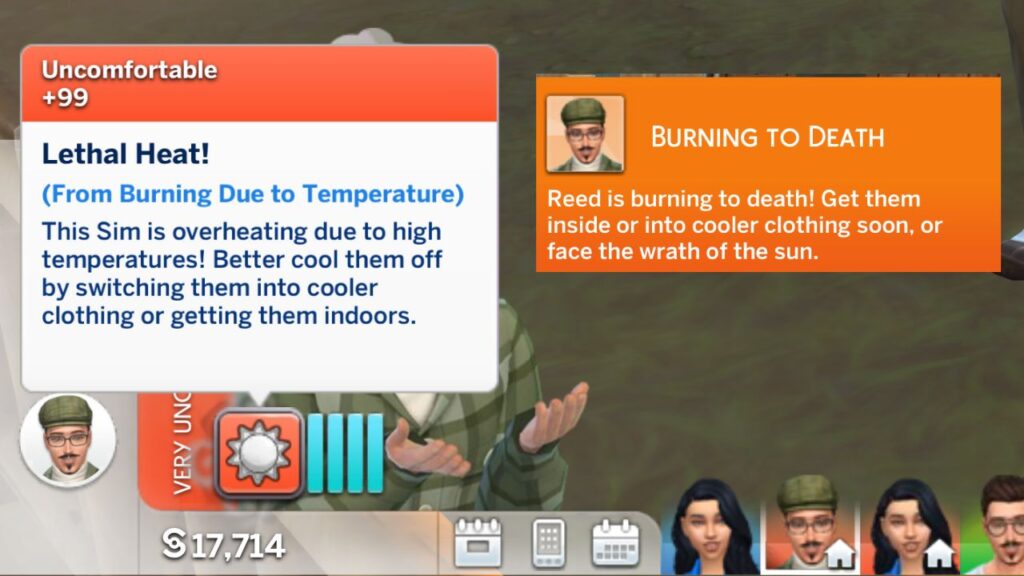
You’ll also get a bright orange notification that says burning to death and this is your warning. You’ll need to have your sim get inside or click on them and choose to change their outfit to their hot weather immediately.
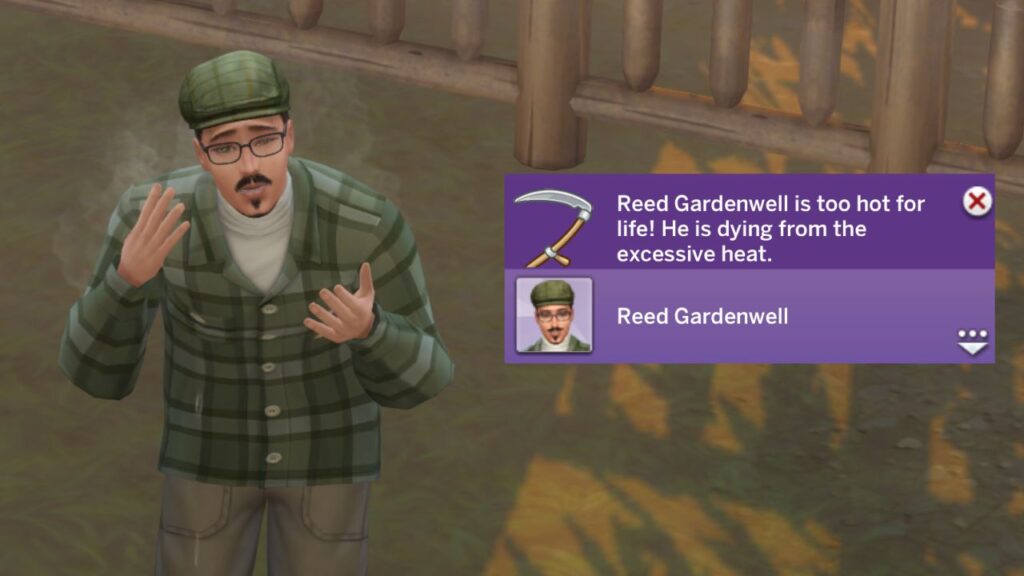
When your sim is burning you’ll literally see them with steam coming off of them and they will be fanning themselves with their hands. If you do nothing and leave them to burn, you’ll see them pass away and get that scary purple notification.
Overheating Death Ghost
The overheating ghosts are funny, you can see them sometimes fan themselves with their hands as if they are still hot even after dying. I love when the game adds fun visual effects for us to enjoy.
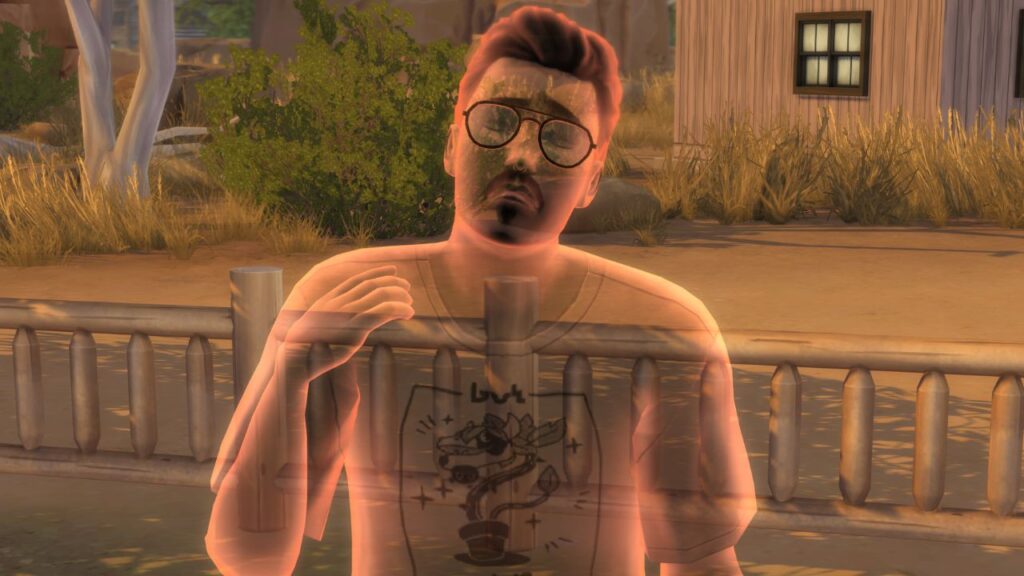
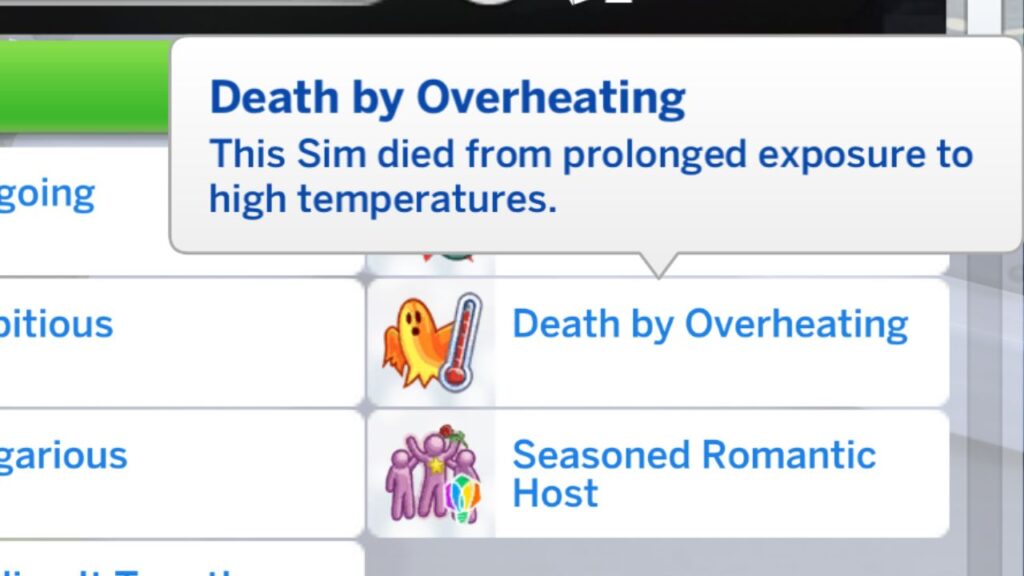
These ghosts will have the death by overheating trait that says “This sim died from prolonged exposure to high temperatures.”